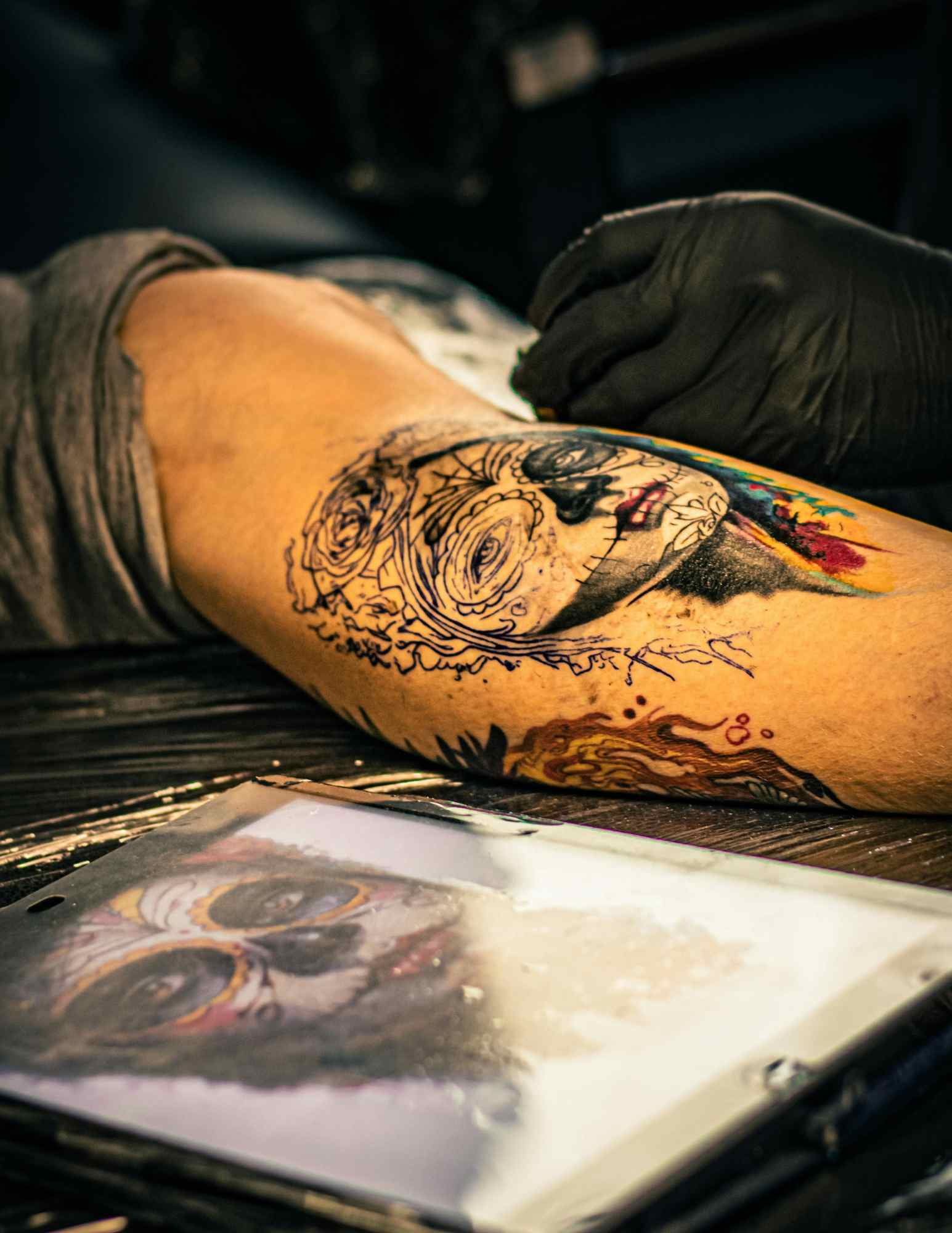
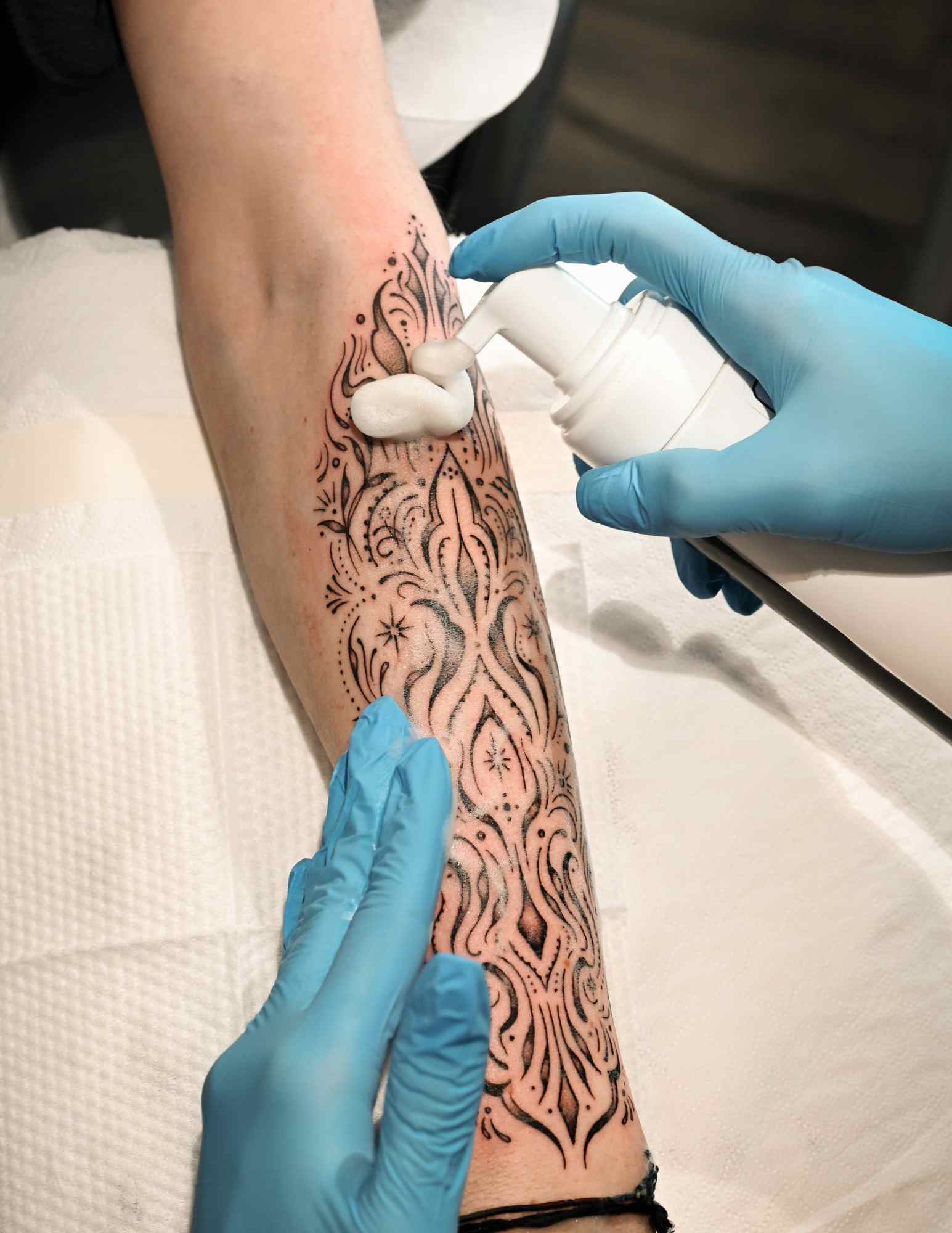
Type a sentence, wait ten seconds, get a tattoo design. That is the promise, and it is why almost every consultation I sit in on now starts with someone unlocking their phone. An AI tattoo generator is a superb tool for figuring out what you want and a poor tool for producing the thing you actually get tattooed.
I have run hundreds of prompts through these tools over the past two years, and I have watched artists react to the results in person. The reaction is almost never anger. It is usually relief, followed by a pencil and a fresh sheet of paper.
That gap between the generated image and the finished tattoo is the whole subject of this guide. Understanding it turns a generator from a source of awkward consultations into the fastest way I know to narrow down a tattoo design.
Here is how these tools work under the hood, what they are genuinely good at, where they break, and the workflow I would use if I were booking a piece next month.
Which Reference Method Is Right for You?
Before the how-to, it helps to see where AI output sits next to the other two ways people bring ideas to a studio. All three are legitimate. They are just good at different jobs.
| Method | Best for | Main weakness | What to hand the artist |
|---|---|---|---|
| AI tattoo generator | Exploring a vague idea fast; testing subject pairings and styles | No sense of skin, scale, healing or placement | Four or five images as a mood board, plus notes on what you like in each |
| Healed tattoo photos | Showing line weight, contrast and how a style ages | Tempts you toward copying another person’s piece | Photos of healed work, ideally from the artist’s own portfolio |
| Custom artist design | The tattoo itself; anything that must fit a specific body part | Costs money and takes weeks of lead time | A clear brief, your references, and room to interpret them |
In practice I use all three in that order. Generator for direction, healed photos for craft, artist for the final drawing. If you want a plain-language tour of the styles those photos fall into, our guide to tattoo styles is the shortcut.
What an AI Tattoo Generator Is Actually Doing
These tools are diffusion models. They start from visual noise and repeatedly nudge it toward something that statistically matches your words, based on patterns learned from an enormous set of existing images.
That word statistically is doing the heavy lifting. The model is not designing for you. It is producing a plausible average of every image it has seen that was described in similar language.
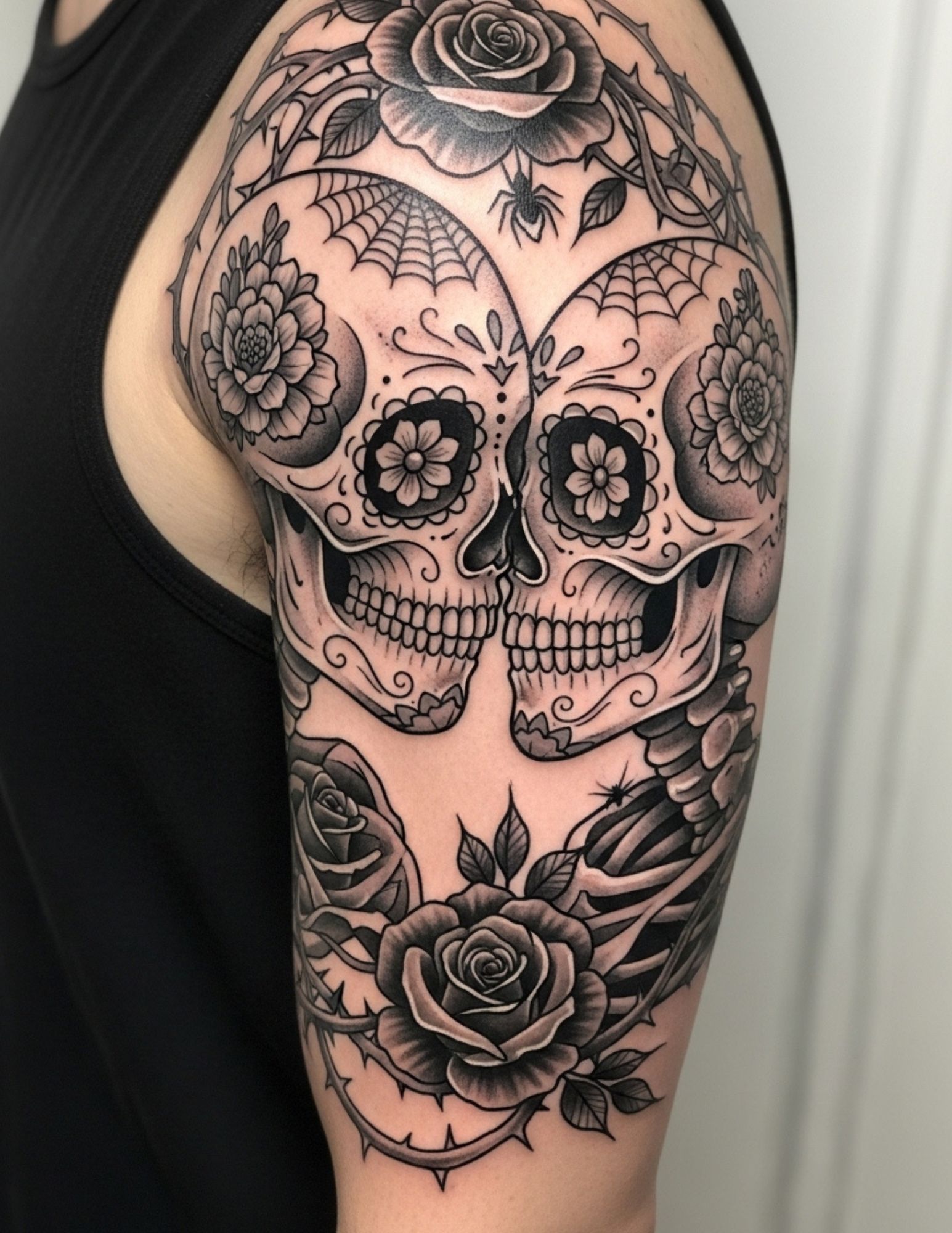
This is why generated tattoo art has a recognisable house style: centred subject, symmetrical composition, delicate shading, a faint glow around the edges. Those are the traits that recur most often in the source images, so they recur most often in the output.
It also explains the failures. The model has no concept of a needle depositing pigment into the dermis, of lines spreading a fraction of a millimetre over a decade, or of what happens to a design that crosses an elbow crease. None of that is visible in a flat image, so none of it is learned.
The practical takeaway: treat every generated image as a picture of a tattoo, not a tattoo design. It is closer to concept art than to a stencil. Delicate fine line work is where that distinction bites hardest, because the model will happily draw lines thinner than any needle can hold.
How to Get Genuinely Useful Output
Everything below assumes the goal is a better consultation, not a finished design. That reframing alone improves results more than any prompt trick.
Write prompts like a brief, not a wish
The single biggest quality jump comes from naming four things in every prompt: subject, style, line weight, and composition.
Compare “butterfly tattoo” with “single butterfly, fine line black ink tattoo, thin consistent linework, minimal stippled shading, symmetrical, on plain white background”. The first gives you the internet average. The second gives you something you can point at.
I add “plain white background” and “flat black ink” to almost every prompt now. Photographic backgrounds and coloured lighting make it far harder to judge the actual design, and they mislead you about contrast.
Naming a style by its proper name matters more than any adjective. Blackwork, neo-traditional, ornamental, dotwork and illustrative each produce distinctly different output because each is well represented in the training data as a labelled category.
Generate in batches and compare, never one at a time
The first image is almost never the best one. I generate in sets and treat the set as the unit of work.
A useful pattern is to hold the subject fixed and vary only the style across four or five runs, then hold the style fixed and vary the subject. You learn what you actually respond to, which is often not what you said you wanted.
Save everything, including the rejects. Being able to tell an artist “I hated this version and here is why” is worth as much as showing the one you liked.
Judge output by silhouette, not by detail
Squint at the image, or shrink it on your screen until it is thumbnail sized. If it still reads clearly as a recognisable shape, the concept is sound.
If it dissolves into grey mush, the design depends on detail that will not survive being tattooed, viewed from two metres away, or ageing for ten years.
This one habit filters out most of the unusable output before an artist ever has to be diplomatic about it. Every artist I have asked has some version of the same test.
Feed the output back in as a reference image
Most generators, including the TattooBuild generator, accept an existing image alongside the text prompt. This is where they stop being slot machines.
Take the best result from your batch, feed it back, and change one variable: “same composition, heavier outlines, less internal shading”. Iterating like this gets you somewhere specific in three or four rounds.
If you have never used image-to-image before, our walkthrough on how to use the TattooBuild AI tool covers the mechanics step by step.
Check it against the body part before you fall in love
Generated images are almost always square or portrait, sitting on a flat white field. Forearms are cylinders. Ribs curve in two directions. Shoulders rotate.
Print the image at the size you actually want, cut it out, and tape it to the spot. It takes five minutes and it has changed the plan for roughly half the pieces I have helped plan.
Pay particular attention to how the design meets the edges of the limb. A composition that looks balanced in a square frame often looks lopsided once it wraps.
Keep a short written brief alongside the images
Images alone are ambiguous. An artist looking at your five references has no way to know whether you loved the subject, the line weight, or the mood.
Three bullet points fixes it: what you want the tattoo to be about, what you like in each reference, and what is non-negotiable about size or placement.
The best consultations I have sat in on all started with the client reading out something like that. Design apps make this easier by keeping notes with the images, and a decent tattoo design app will let you export the whole set in one go.
Ask the artist to redraw it, and expect them to
A generated image is not a stencil and should never be traced. The redraw is not the artist being precious; it is the step where the design becomes tattooable.
Expect line weights to change, detail to be removed, and the composition to be adjusted for the body part. In most cases the piece gets simpler and stronger.
If an artist agrees to copy generated art exactly, without changes, I would treat that as a warning sign rather than good service.
Alternatives and Variations Worth Knowing
An AI tattoo generator is one option among several, and it is not always the best one for a given job.
Sketching it yourself, badly
A rough pencil drawing communicates intent better than a polished AI image, precisely because nobody mistakes it for a finished design. Our guide to designing your own tattoo covers this without requiring any drawing ability.
Collage from healed work
Pull ten photos of healed tattoos you admire and look for what they share. It is slower than prompting, but it teaches you about line weight and contrast in a way generated art cannot.
Commissioning a flash piece
Buying an artist’s existing flash design is cheaper than a custom piece, faster to book, and guarantees the design was drawn for skin from the start. The trade-off is that it is not unique to you.
Generator plus flash, combined
My favourite hybrid: use the generator to work out which style you respond to, then go looking for flash in that style. You get the exploration speed of AI and the tattooability of an artist-drawn design.
Practical Rules I Follow Every Time
Never book a session off the back of a generated image alone. Book a consultation, bring the images, and let the design settle for a week or two before the needle comes out.
Do not send a generator link to an artist without context. Sending a folder of images with no note reads as “please copy this”, which is not what you mean and not what you want.
Be honest that the reference is AI-generated. Artists can tell, and pretending otherwise starts the relationship badly. Saying “this is AI, I know it needs work, here is what I like about it” gets a much better conversation. If you are still looking for the right person, our guide on how to find a tattoo artist is a reasonable starting point.
On the safety side, none of this touches the part that actually affects your body. Ink, needles, hygiene and healing are the artist’s domain and, where anything goes wrong, a doctor’s. The US Food and Drug Administration keeps a plain-English overview of tattoo ink risks and reactions, and the American Academy of Dermatology covers caring for tattooed skin. If a healing tattoo becomes hot, swollen, increasingly painful or starts weeping after the first few days, that is a question for a medical professional, not a design tool.
Common Mistakes and How to Avoid Them
The most common one is emotional: falling in love with a specific generated image and then being disappointed by the redraw. Decide in advance that the image is a direction, not a destination.
The second is over-detailing. Generated art costs nothing to add complexity to, so people keep adding. Tattoos charge for that complexity in both money and healing quality, and our breakdown of what tattoo designs cost shows how quickly it adds up.
The third is ignoring the ownership question. Whether AI output can be copyrighted at all is genuinely unsettled; the US Copyright Office has published guidance on copyright and artificial intelligence that turns on how much human authorship is involved. Several well-known tattoo artists have also objected to models trained on their portfolios without consent. I would not build a business logo on generated art, and I would not ask an artist to reproduce something that clearly imitates a named artist’s signature style.
The fourth is skipping the artist entirely. There is a small but real trend of people taking generated images to whoever will tattoo them cheapest. That is how you end up with a piece that looked perfect on a screen and reads as a smudge in three years.
Frequently Asked Questions
Are AI tattoo generators free to use?
Some are, some are not, and most free tiers limit resolution, image count, or commercial use. The TattooBuild generator’s plans start at $7.50 a month or $20 a year. Before paying for any of them, run the same prompt through two or three tools, because output quality for a given style varies more between tools than most pricing pages suggest.
Can I take an AI-generated design straight to a tattoo artist?
You can bring it, but you should not expect it to be tattooed as-is. Nearly every artist will redraw generated art to fix line weights, remove detail that will not hold, and fit the composition to your body. Treat the image as the opening of a conversation. The artists I know respond well to that framing and badly to being handed a screenshot with the word “this”.
Do tattoo artists mind AI references?
Most of the artists I have asked are fine with AI used as a mood board and unhappy with it used as a finished design. The objection is usually about being asked to copy, and about models trained on portfolios without permission. Being upfront that an image is generated defuses nearly all of it. If an artist tells you they would rather work from photos of healed tattoos, take that seriously.
Why do AI tattoo designs look wrong when tattooed?
Because the model optimises for a flat image, not for skin. Lines come out thinner than a needle can reliably hold, detail sits too close together, and the composition assumes a square frame rather than a curved limb. Ink also spreads slightly as a tattoo ages, so fine internal detail closes up over time. An artist’s redraw exists precisely to fix these things.
Who owns the copyright to an AI-generated tattoo design?
This is unsettled and depends on your country. In the United States, the Copyright Office’s published guidance turns on the degree of human authorship, and purely machine-generated output has not been treated as protectable. For a personal tattoo this rarely matters in practice, but if the design is meant to become a logo or be sold, get advice from a lawyer rather than relying on a blog.
Quick Summary
- An AI tattoo generator produces a statistical average of existing tattoo images, not a design made for your body.
- Use it for direction and style exploration; use an artist for the tattoo itself.
- Write prompts as briefs: subject, style, line weight, composition, plain white background.
- Generate in batches and vary one thing at a time rather than chasing a single perfect result.
- Judge every image at thumbnail size; if the silhouette fails, the tattoo will too.
- Print it, tape it to the body part, and check how it sits on a curved surface before committing.
- Bring four or five images plus a three-line written brief to the consultation, and say the references are AI.
- Expect a redraw, and treat an artist who refuses to redraw as a warning sign.
Used the way it is good at being used, an AI tattoo generator saves weeks of vague browsing. It just does not save you the artist, and it was never going to. Ready to try it? The TattooBuild AI tattoo generator is one click away.