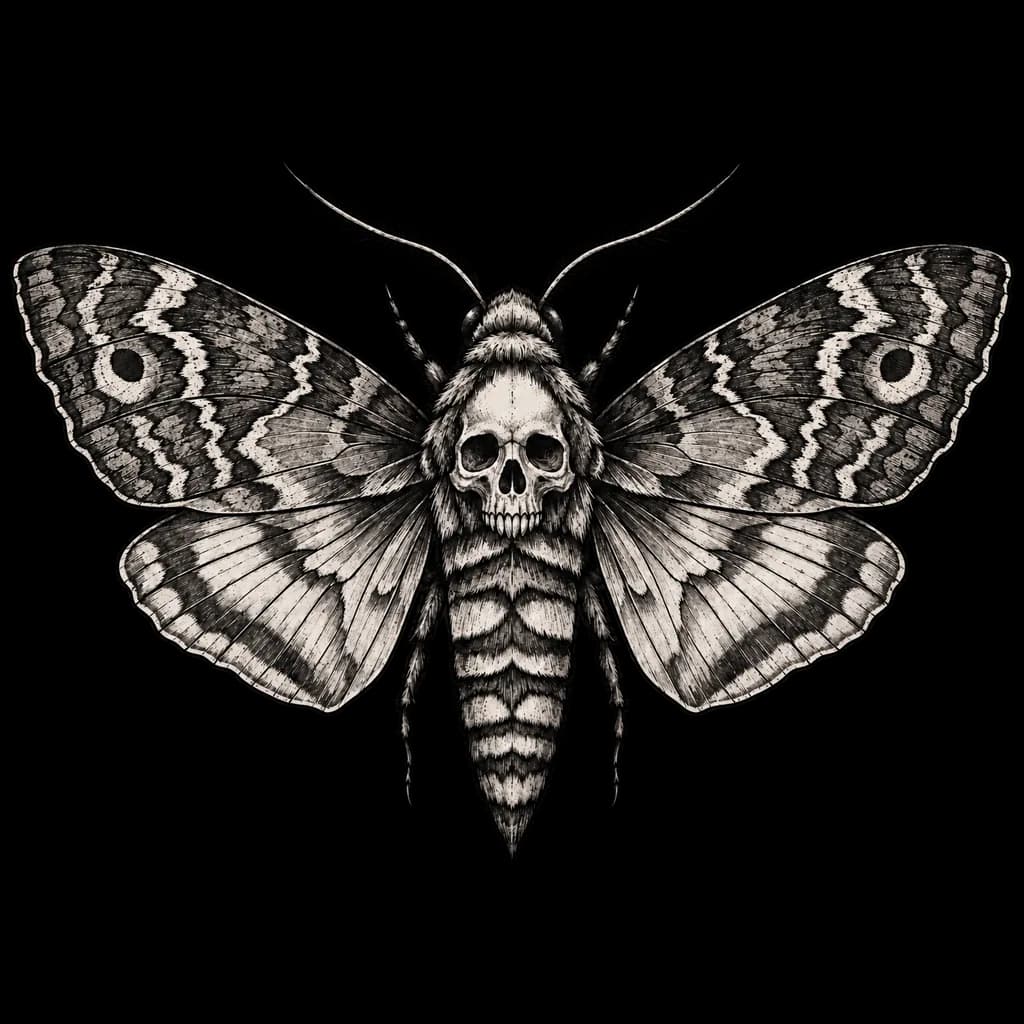
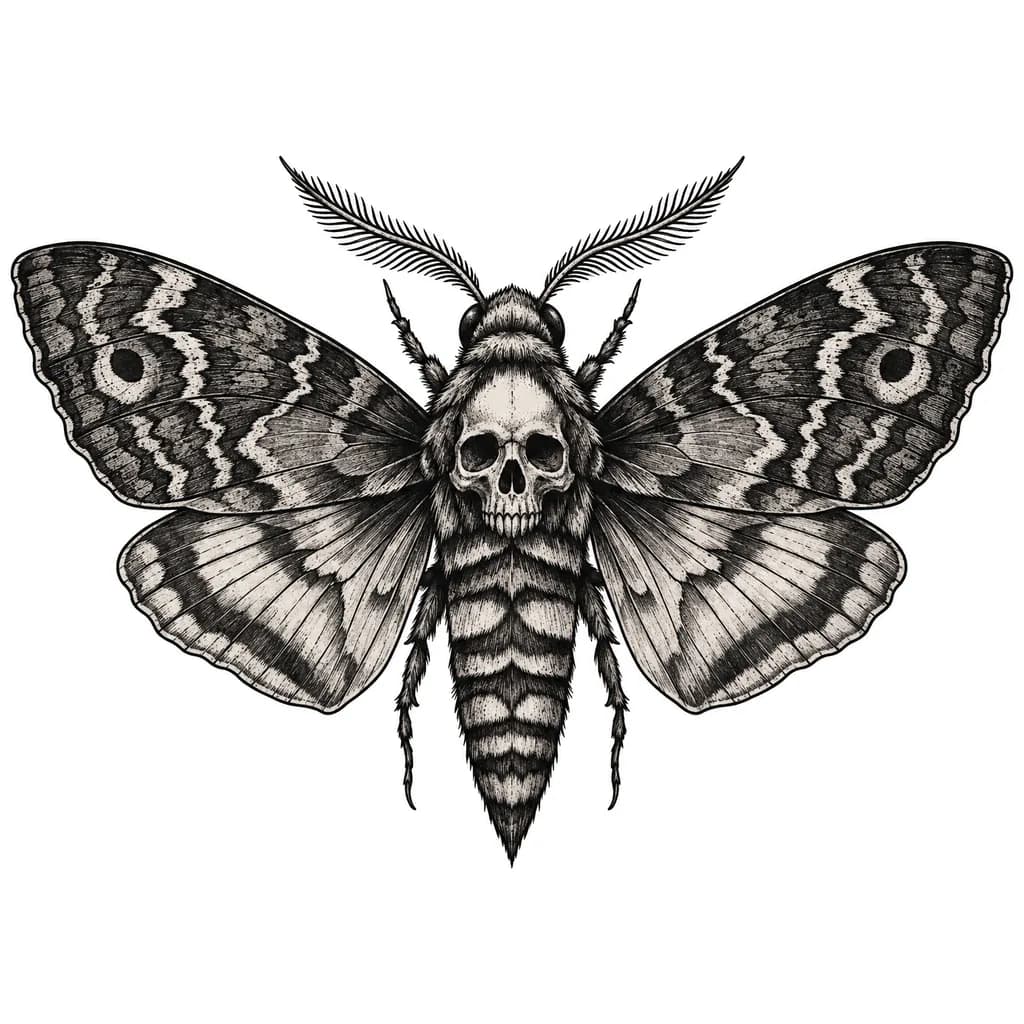
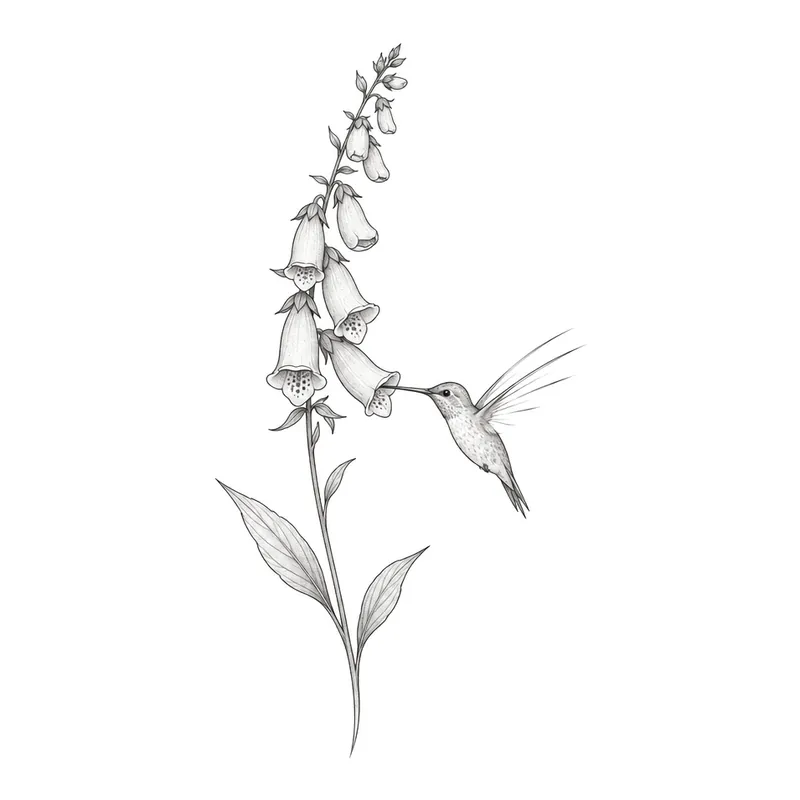
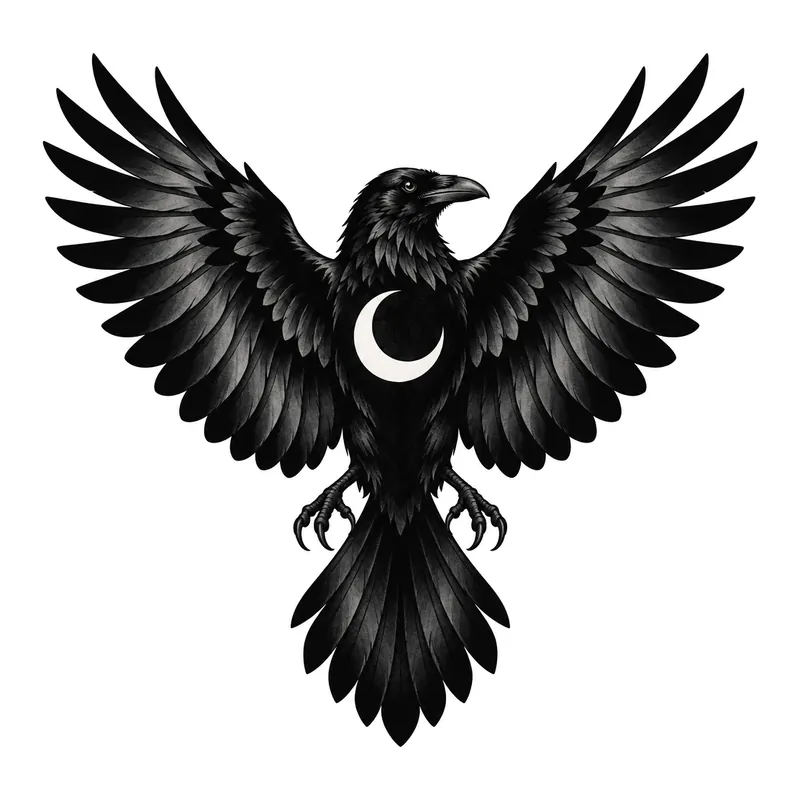
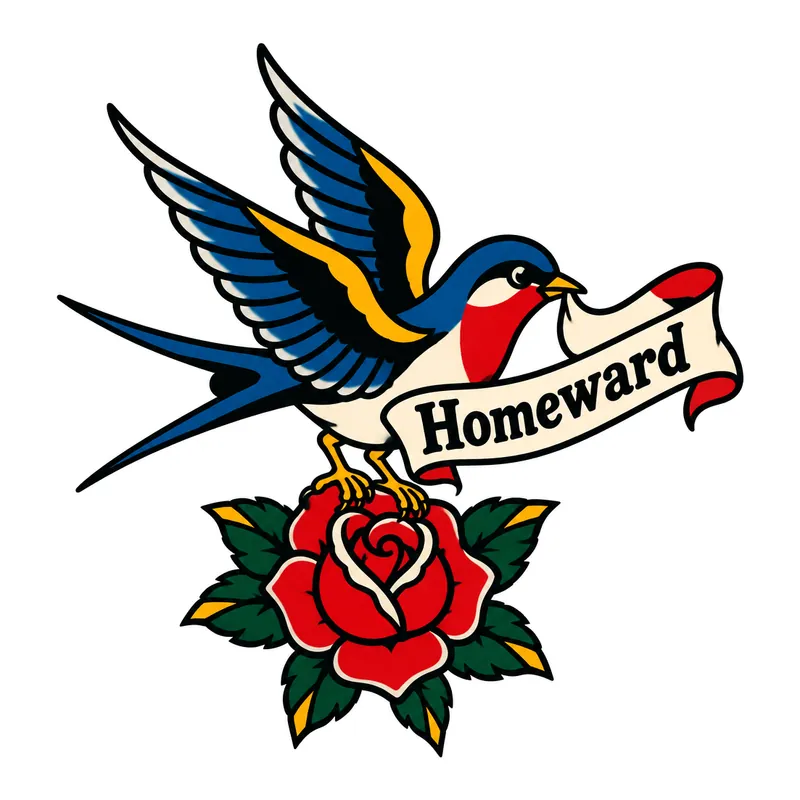
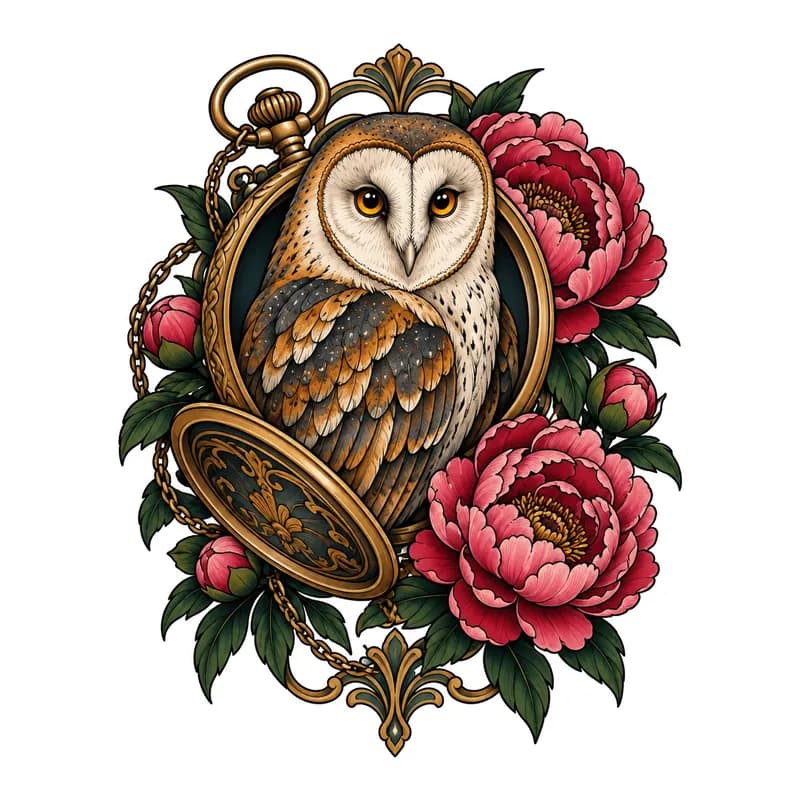
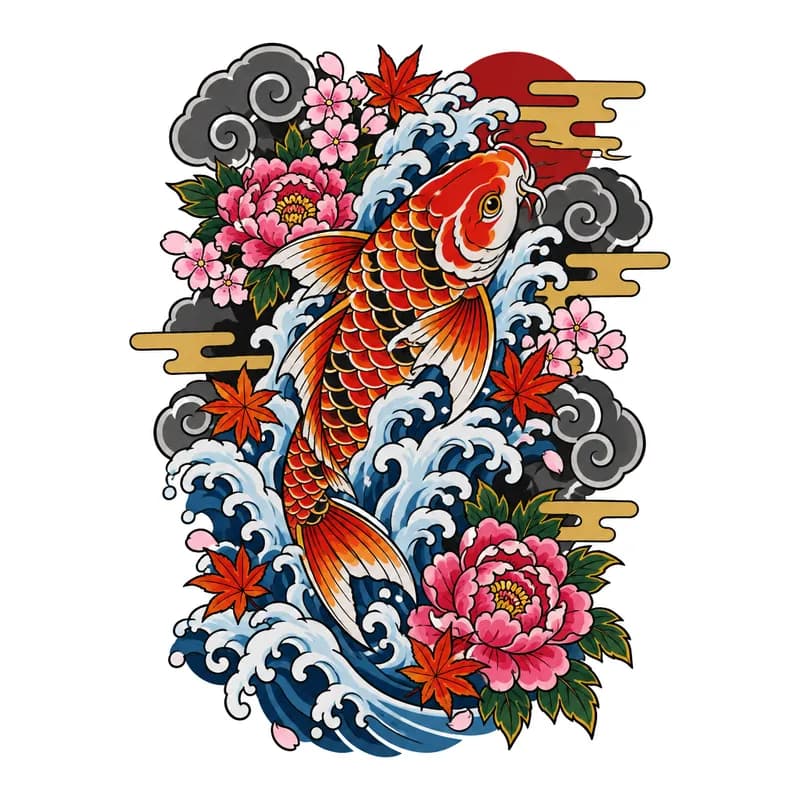
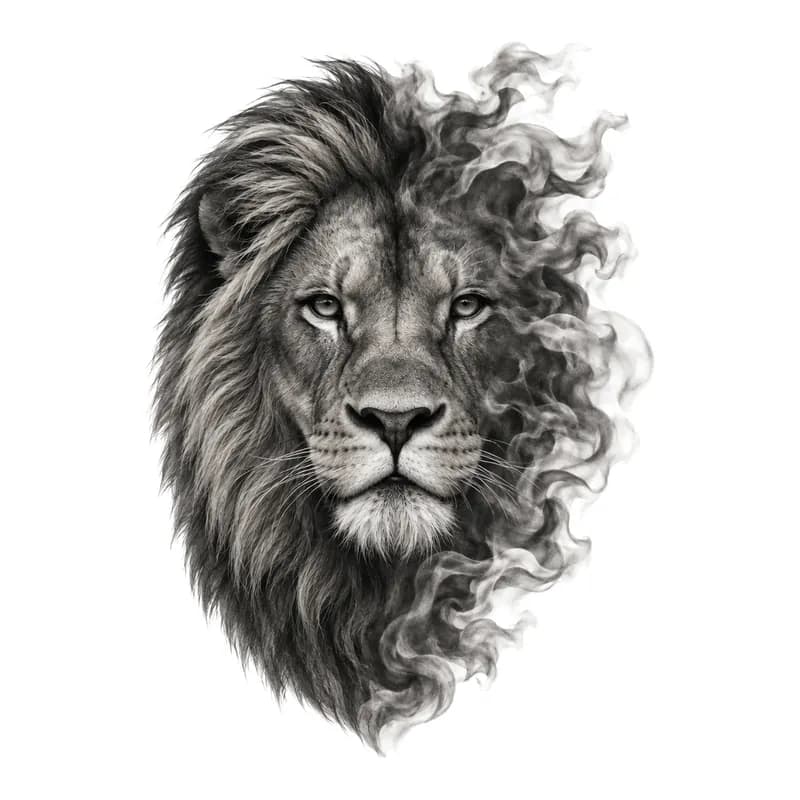

 24 photos
AI tattoo generator: Idea in.
Stencil out.
Describe your idea. Explore the details, then take a design sheet or stencil to your tattoo artist.
- Design sheet
- Stencil
- Transparent PNG
- Try it on skin
- Browse designs in Explore
Made in the studio
Fresh from the studio
We made these in the studio ourselves, and each one sits above the exact idea we typed. Open one to see its settings, or tap Use this idea to start from it.

A panther's head tearing through the skin, mouth open, claws gripping the edges
Use this idea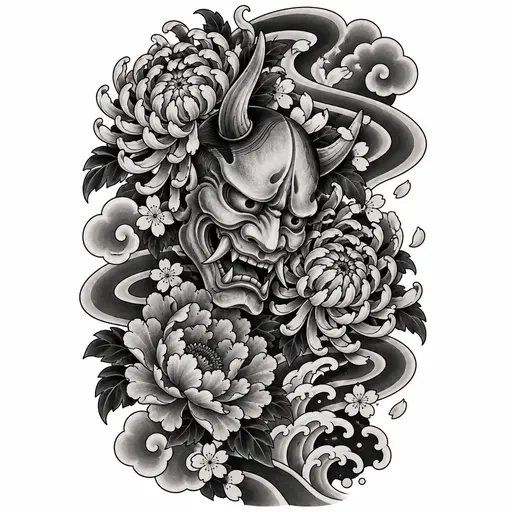
A hannya mask wreathed in chrysanthemums, with wind bars sweeping behind it
Use this idea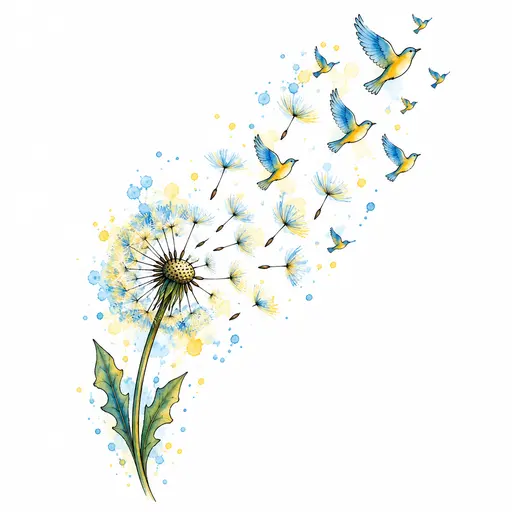
A dandelion clock with its seeds blowing away and turning into small birds, in soft yellow and sky blue
Use this idea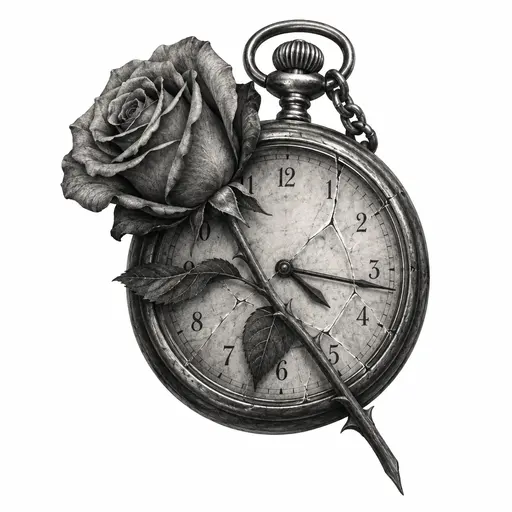
An old pocket watch stopped at 4:17, its glass cracked, a single rose lying across the face
Use this idea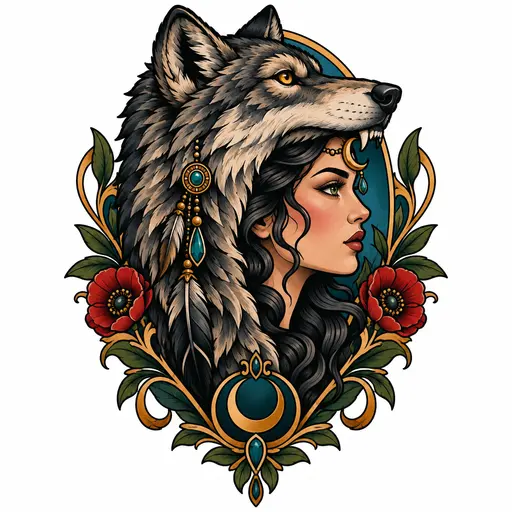
A woman's profile wearing a wolf-head headdress, a jewelled crescent moon on her brow
Use this idea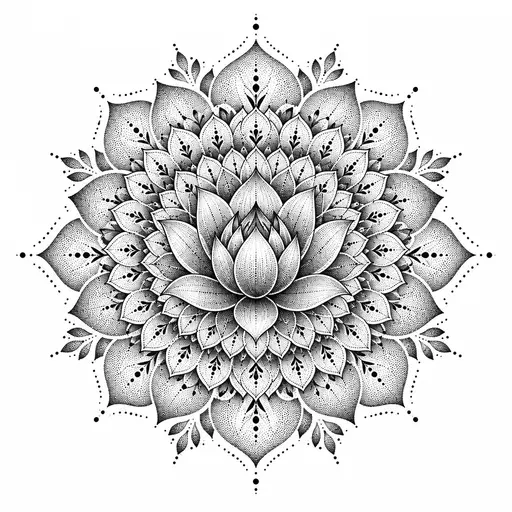
A mandala blooming outward from a lotus at its centre, each ring of petals finer than the last
Use this idea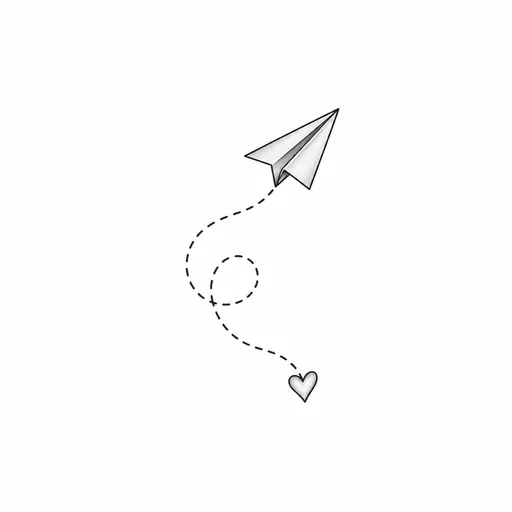
A paper plane whose dotted flight path loops once and ends in a small heart
Use this idea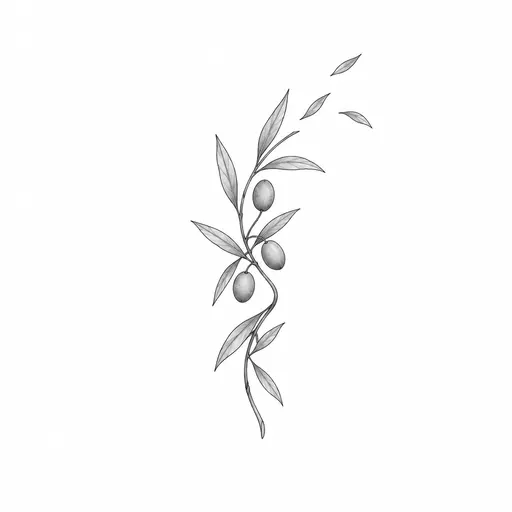
A sprig of olive branch wrapping once around itself, three small leaves drifting off the end
Use this idea
What you can make
Four ways to take your design to your artist
Pick the one you need when you design, then turn the same design into any of the others in the studio.
- No. 01
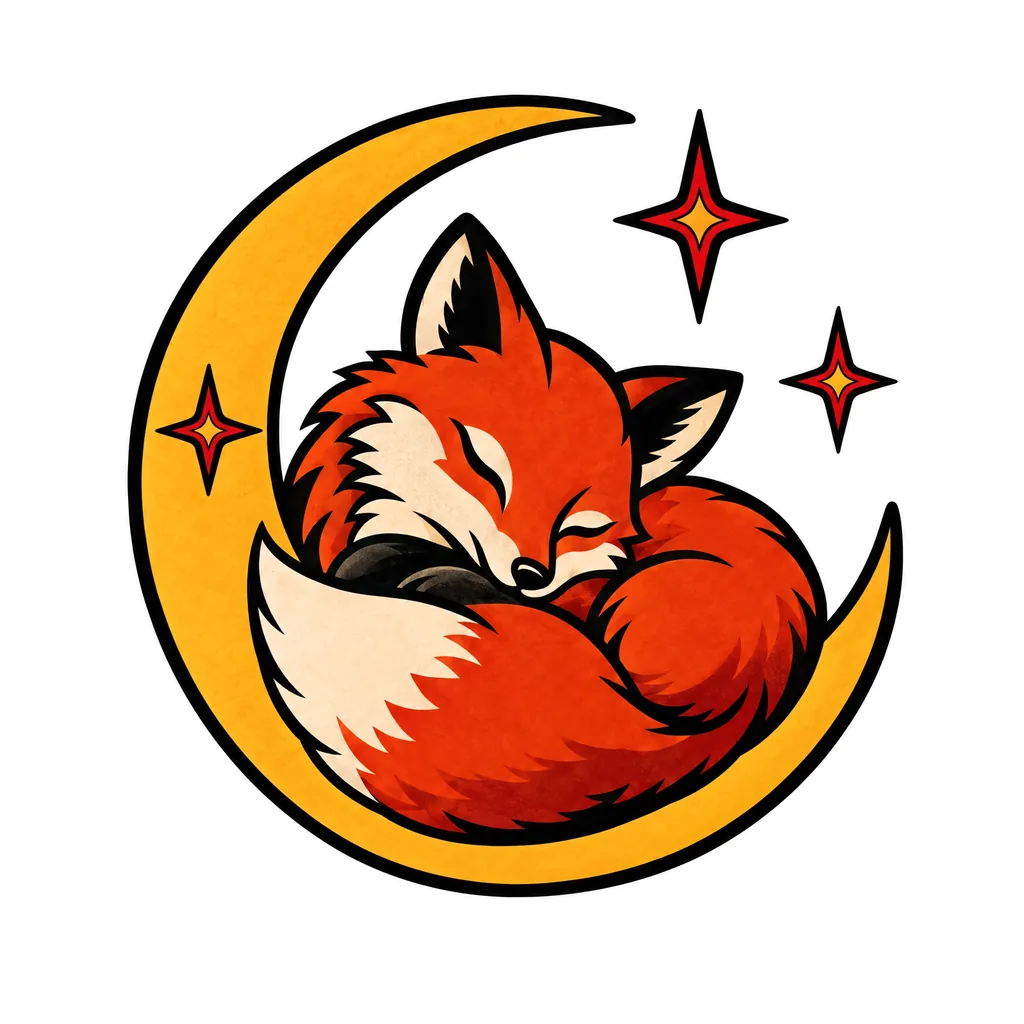
Design sheet
Your design on clean white, laid out the way a flash sheet would show it. This is the one to put in front of your artist.
Try it - No. 02
Stencil / line art
The outlines pulled away from the shading, so you can judge the linework on its own. Most artists redraw the stencil to fit your body, and that's how it should be.
Try it - No. 03
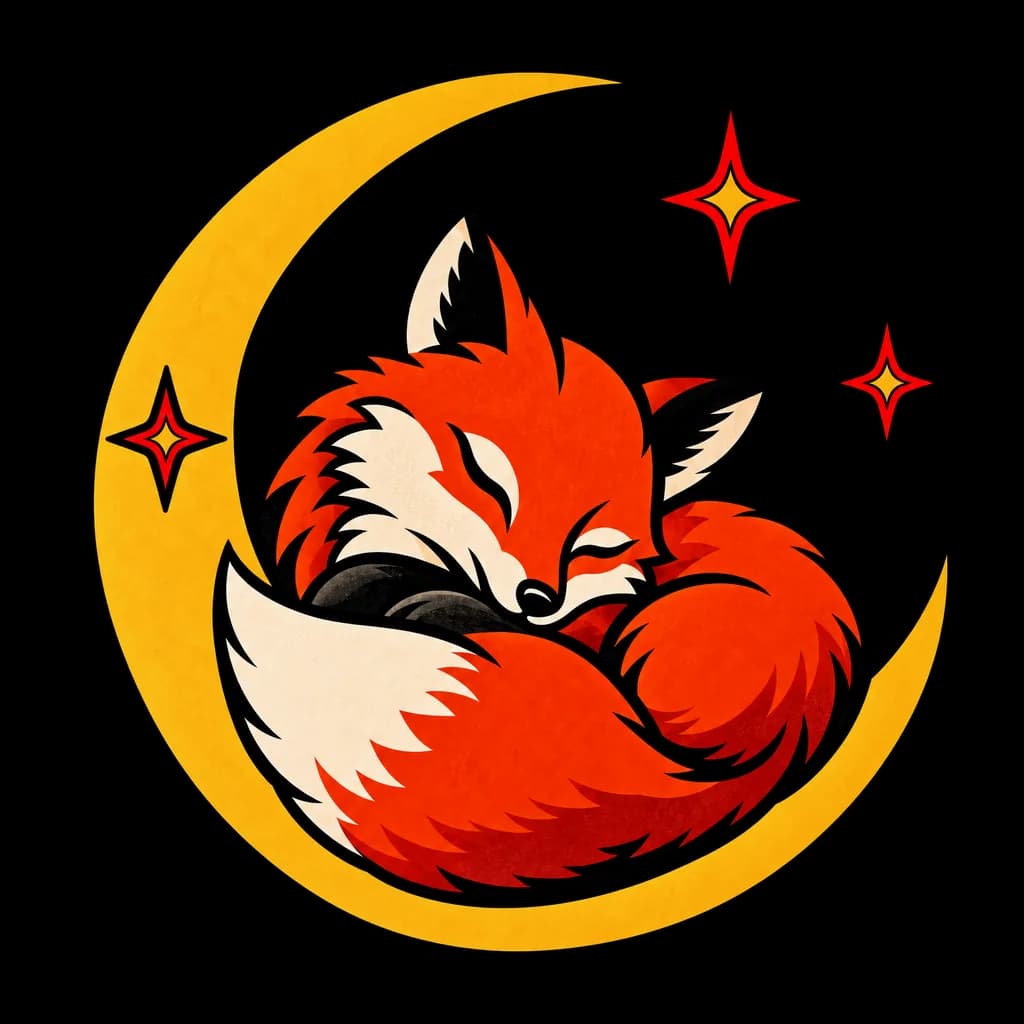
Transparent PNG
The design with no background, ready to drop onto your own photos, a mood board or a phone wallpaper.
Try it - Upload a photo
Skin try-on
Upload a photo of the forearm, back or ankle you have in mind and see the design placed on it. It's a preview of size and position, not a promise of how healed ink will look. Try-on needs a free account.
Try it
Each version you make, such as a stencil of your design sheet or a try-on, uses one design. Downloading never does.
From idea to stencil
How the AI tattoo generator works
- Say what you want.A subject, a mood, a meaning. “A moth with a skull on its back” works. So does “something for my dad, he loved fly fishing.” If you're stuck, start from an example idea.
- Choose style, ink and placement.There are thirteen styles, from fine-line to Japanese, in black and grey or colour, plus where it's going. Placement sets the shape of the drawing: tall and narrow for a forearm, wide and open for a chest piece.
- Work it until it's right.Make variations, change a detail with a short text edit, or redraw one area and leave the rest alone. Then turn it into a stencil or a transparent PNG, or see it on a photo of your own skin. Each new version uses one design.
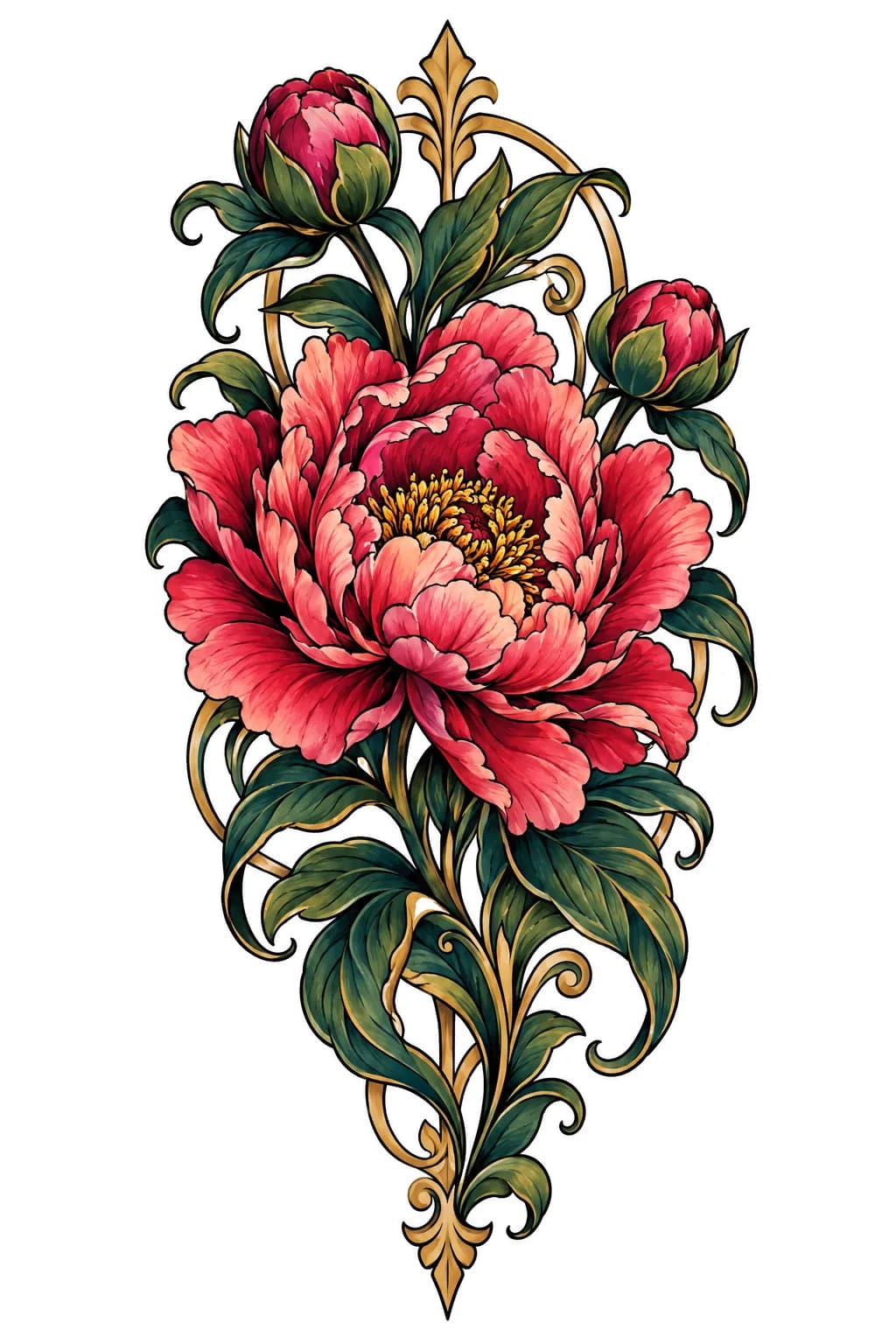
Drag to compare. A colour design made in the studio, and the stencil the studio drew from it: the lines your artist works from. See the design
The flash wall
Thirteen tattoo styles, each drawn on its own terms
A fine-line rose and a traditional rose are two different tattoos. Choosing a style tells the generator how heavy the lines should be, how the shading is built, and how much detail the design can carry. Every sheet here was made in the studio.
Pricing
Plans that fit how often you design
Monthly plans run from $9.99 for 50 designs. Yearly billing starts at $59 a year, with 50 designs refreshed each month. Every design you make stays in your gallery while your account is open.
Try your idea in the studio before choosing a plan. Every plan includes Detail mode. Cancel any time from Account → Billing; your plan runs to the end of the period you've paid for.
Tattoo ideas
Tattoo ideas and guides
716 tattoo ideas and guides on meanings, styles, placement, pain, cost and aftercare, written by Daniel and Mkpoikana Otu. The ideas in them can be opened in the studio as a starting point.
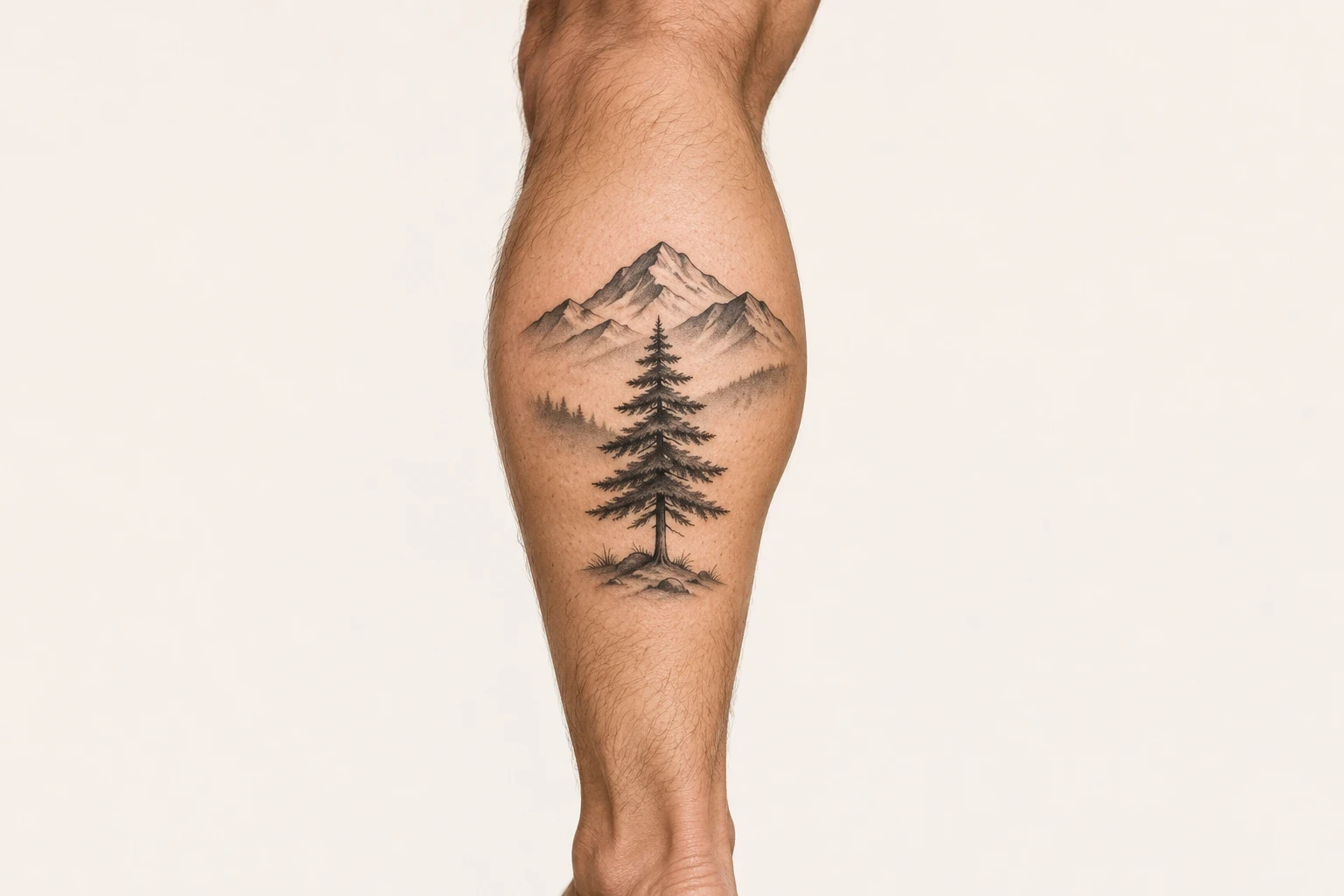
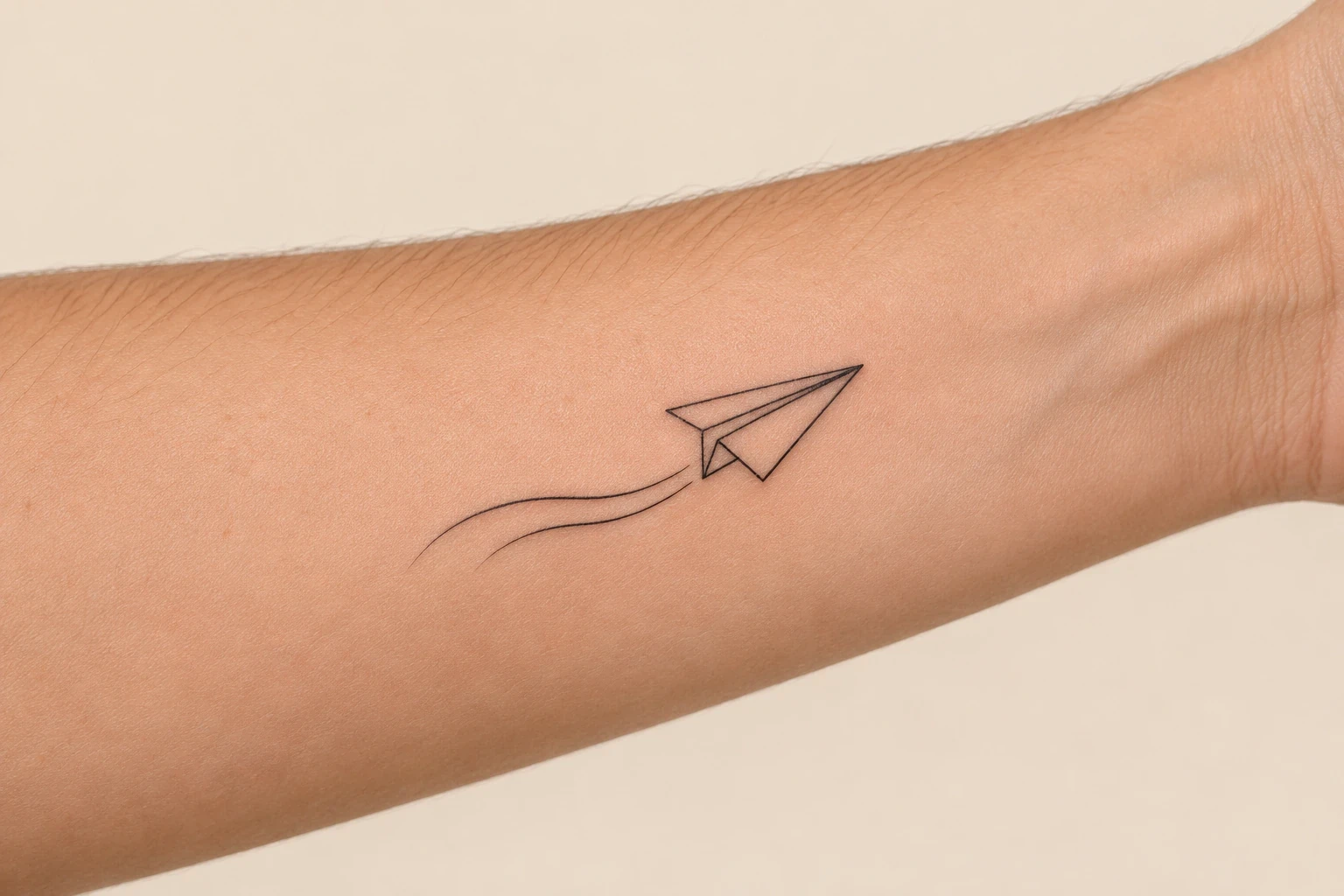
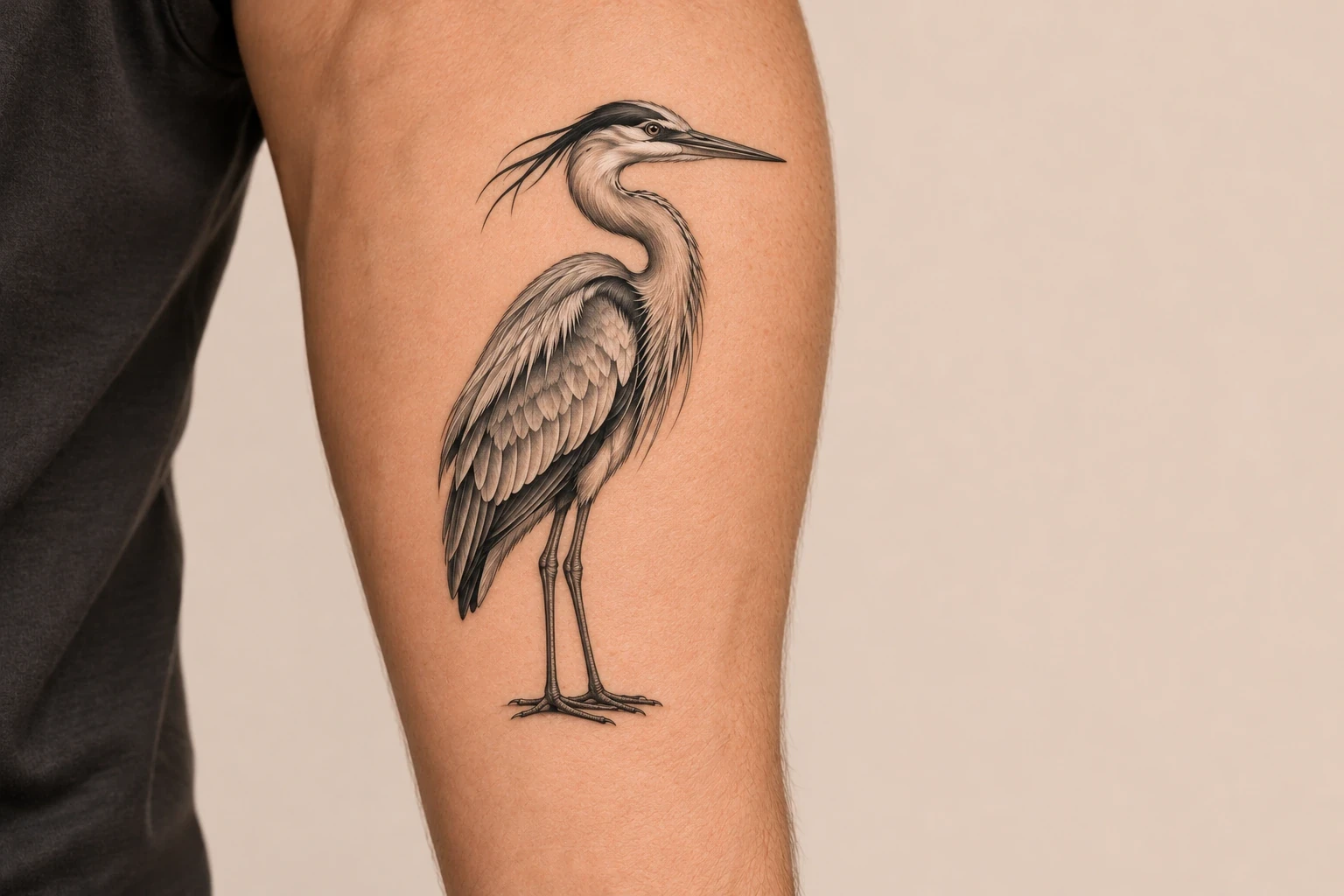
Can my tattoo artist work from an AI design?
Yes. That's what it's for. Bring the design sheet and the stencil as a clear brief, and expect your artist to adapt it to your body and their style.
Can I try it before I pay?
Yes. Your first design needs a verified free account. No card needed. After that, pick a plan.
Can I cancel any time?
Yes. Cancel from Account → Billing and your plan runs to the end of the period you've paid for.
Will my artist charge to redraw it?
Usually, yes. Most artists charge for custom drawing time or build it into the price of the tattoo. It's skilled work, and it's the step that makes a design tattooable.
How do I get a stencil?
Pick Stencil before you press Generate to get the line art straight away, or open any design you've made and choose Stencil. Turning a design into a stencil makes a new version, so it uses one design.
Does placement change the design?
Yes. Tell the studio where the tattoo is going and it composes for that spot. A forearm gets a tall design that sits along the arm, a back piece gets room to breathe, and a wrist or ankle gets something small and open enough that the lines won't crowd together. You'll still settle the final size with your artist.
What's the difference between Fast and Detail?
Fast is for exploring: throw ideas at it, make a few versions and keep the direction you like. Detail is for when you've found the idea. It's slower and more careful, for realism, dotwork gradients and dense Japanese backgrounds. How many variations you get per run depends on your plan.
Got an idea you can't quite describe?
Start with a few words. You can shape it from there.
Try your idea in the studio before choosing a plan.