Features
What the TattooBuild studio can do
Every tool here exists for one reason: to get you from an idea to a design you can hand to a tattoo artist with confidence. Here's the whole kit, in the order you'll use it.
 PNG · transparent
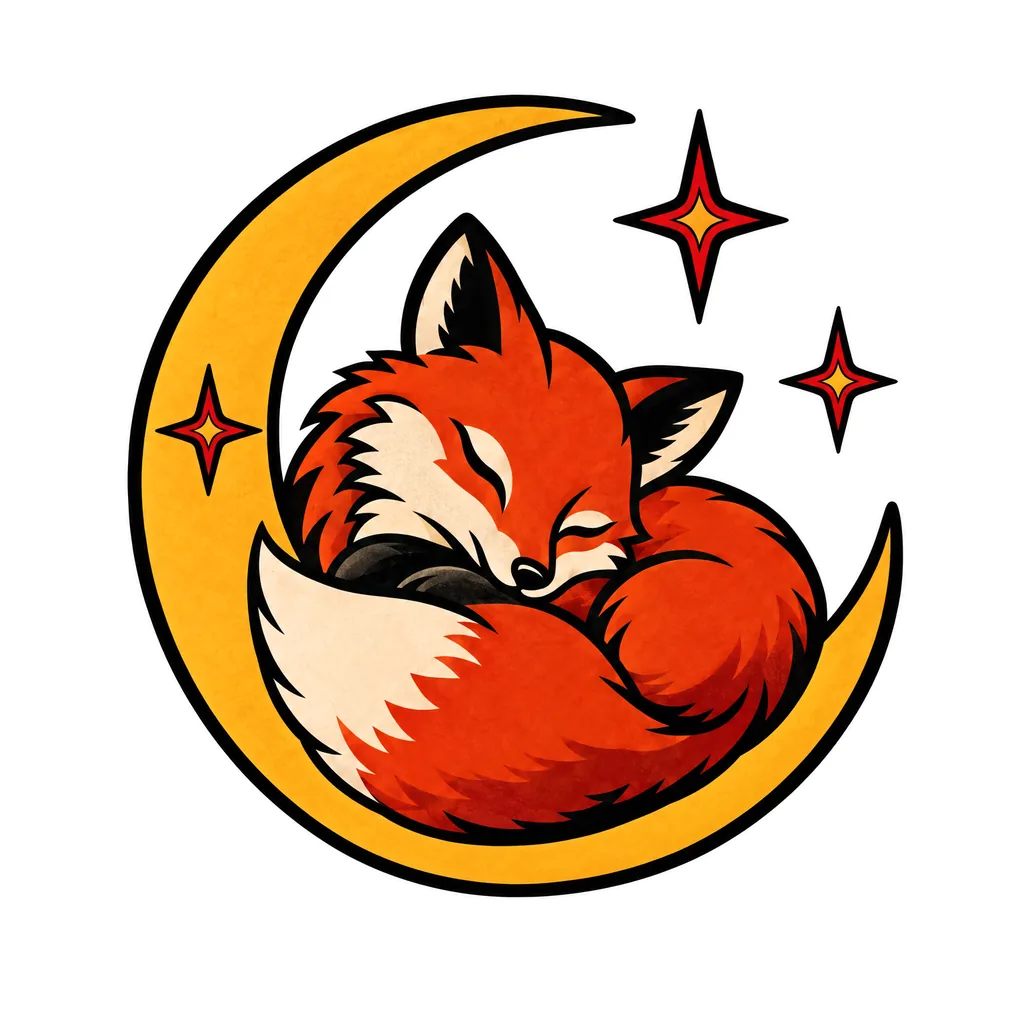
A fox curled up asleep inside a crescent moon, with a few small stars around it
- Idea box.
Write it the way you'd say it to a friend. Plain words beat clever ones.
- Example ideas.
Starting points drawn from the topics on our blog, from memorial pieces to mythology.
- Reference images.
Upload a photo or drawing to work from, such as your dog, your grandmother's handwriting or a sketch on a napkin, or to remix into something new. Use images you have the right to use.
- 13 styles.
Fine-line, blackwork, traditional, neo-traditional, Japanese, realism, watercolour, geometric, minimalist, dotwork, tribal, script / lettering and illustrative. Each changes line weight, shading and how much detail the design holds.
- Ink.
Black & grey or colour.
- Placement.
Forearm, wrist, sleeve, back, chest, ankle, ribs, neck, hand, thigh and more. Placement sets the composition and the shape of the canvas, so a forearm design comes out tall and a chest piece comes out wide.
- Fast or Detail.
Fast for exploring, Detail for finishing. See the difference on How to use.
- Variations.
Get several takes on one idea in a single run. How many depends on your plan.
The thirteen styles
- Fine-line
- Thin, single-needle lines, light shading and plenty of open skin. Keep it simple, and not too small.
- Blackwork
- Solid black and bold negative space. It reads from across a room and holds for decades.
- Traditional
- Heavy outlines, a tight palette and shapes that still read twenty years on.
- Neo-traditional
- Traditional bones with richer colour, more depth and ornate detail.
- Japanese
- Big, flowing compositions built around the body, tied together with waves, wind and clouds.
- Realism
- Photographic shading and texture. It needs size to hold its detail.
- Watercolour
- Soft washes of colour, usually anchored with black linework so it lasts.
- Geometric
- Clean shapes, symmetry and precise spacing between lines.
- Minimalist
- One idea, a few lines, nothing extra.
- Dotwork
- Shading built from stippled dots, from soft gradients to full mandalas.
- Tribal
- Bold black shapes that follow the muscle. For work from a living tradition, such as Polynesian or Māori, look for an artist from that culture.
- Script / lettering
- Names, dates and words, spaced to stay readable as the ink settles.
- Illustrative
- Work that looks hand-drawn, borrowing from etching, sketchbooks and storybook art.
- Design sheet.
The design on clean white, ready to show your artist.
- Stencil / line art.
The linework on its own, for judging the outline or giving your artist a starting point for their stencil.
- Transparent PNG.
No background, so it drops onto any photo.
- High-resolution download.
A full-size PNG of any design you've made. Downloading never uses a design; making a stencil or transparent version of one does.
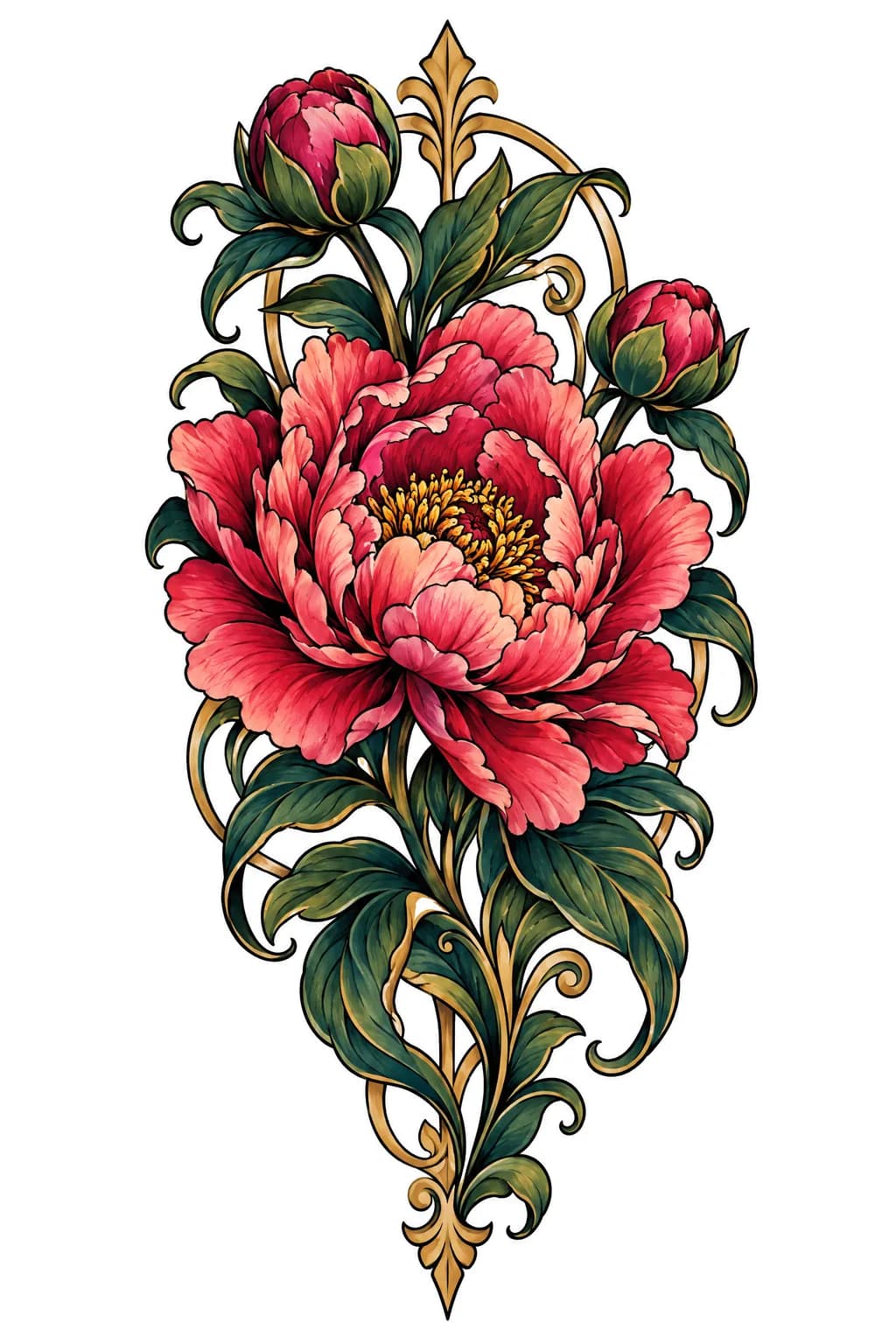
- Vary.
More takes on a design you like, keeping its spirit.
- Refine.
Change one thing in words: “make the petals looser”, “drop the banner”, “add a crescent moon above”.
- Redraw one area.
Brush over a part you don't like and describe what should go there. The rest stays exactly as it was.
- Skin try-on.
Upload a photo of the spot and see the design on it. Realistic tattoo mockups
- Your gallery.
Every design you make is saved to your account, and stays there while your account is open.
- Public or private.
Keep a design to yourself, or share it to Explore, where it gets its own page. Designs made from photos of you stay private.
- Explore.
Browse public designs made in the studio, then make one like any of them. Explore designs
- Usage meter.
See how many designs you have left this period.
Your account
- Sign in with an email link.
We email you a one-tap sign-in link, or you can use a password if you prefer.
- Billing through Stripe.
Change plan, update your card, download invoices or cancel from the billing portal.
From the blog to the studio
Tattoo idea articles have a Design your own take button under many of their design photos. It opens the studio with the idea already written, so you can make it your own.
What TattooBuild doesn't do
- It doesn't replace your tattoo artist.
It gives them a clear brief. They make it work on skin.
- It doesn't know how ink ages.
Your artist does. Trust them on size, spacing and line weight.
- It won't draw everything.
Some requests are refused by our content filters. What's allowed
See it for yourself
Your first design is free. Verify your email. No card needed.