How to use TattooBuildOne sentence.
Two taps.
No drawing, no settings to learn.Type the tattoo you keep picturing, tap a style, press Generate. In Fast mode you have a clean design sheet 10–25 seconds later, and you can turn it into a stencil or try it on your skin. No drawing, no settings to learn.
A moth with a skull on its back
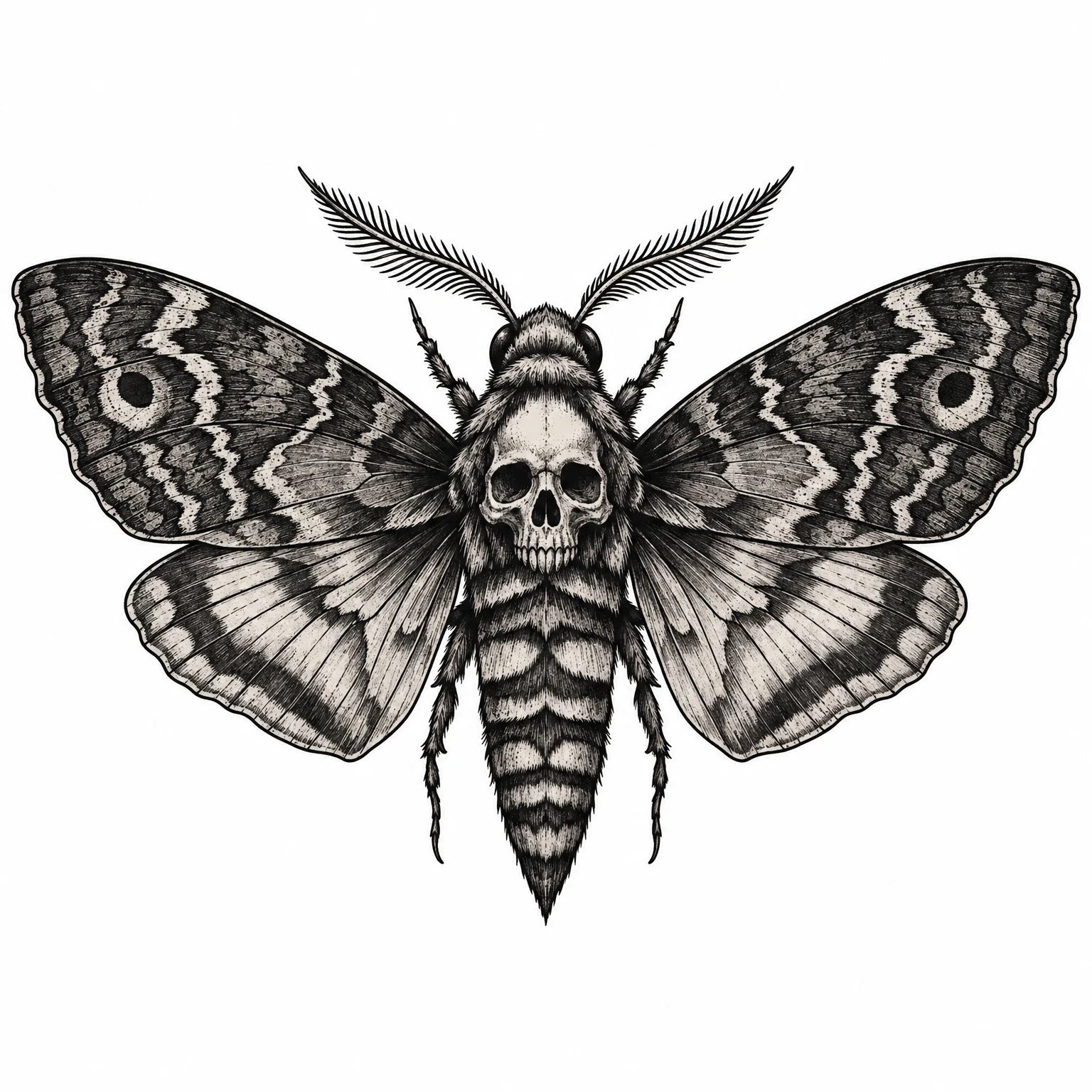
That's the whole thing
Three steps
Everything else in the studio is optional. You can stop after step three.
- 01
Describe it
One sentence: what it is, plus a detail that makes it yours. Plain words are fine.
- 02
Pick a style and a spot
Two taps, or leave both on Auto and let the idea decide. The spot sets the shape, tall for a forearm, wide for a chest.
- 03
Press Generate
Fast mode draws it in 10–25 seconds. A stencil or transparent PNG of it is one more tap, and one more design.
Made in the studio
What one sentence gets you
We made every one of these in the TattooBuild studio. Under each is exactly what we typed and the settings we picked. Tap Use this idea to start from it.
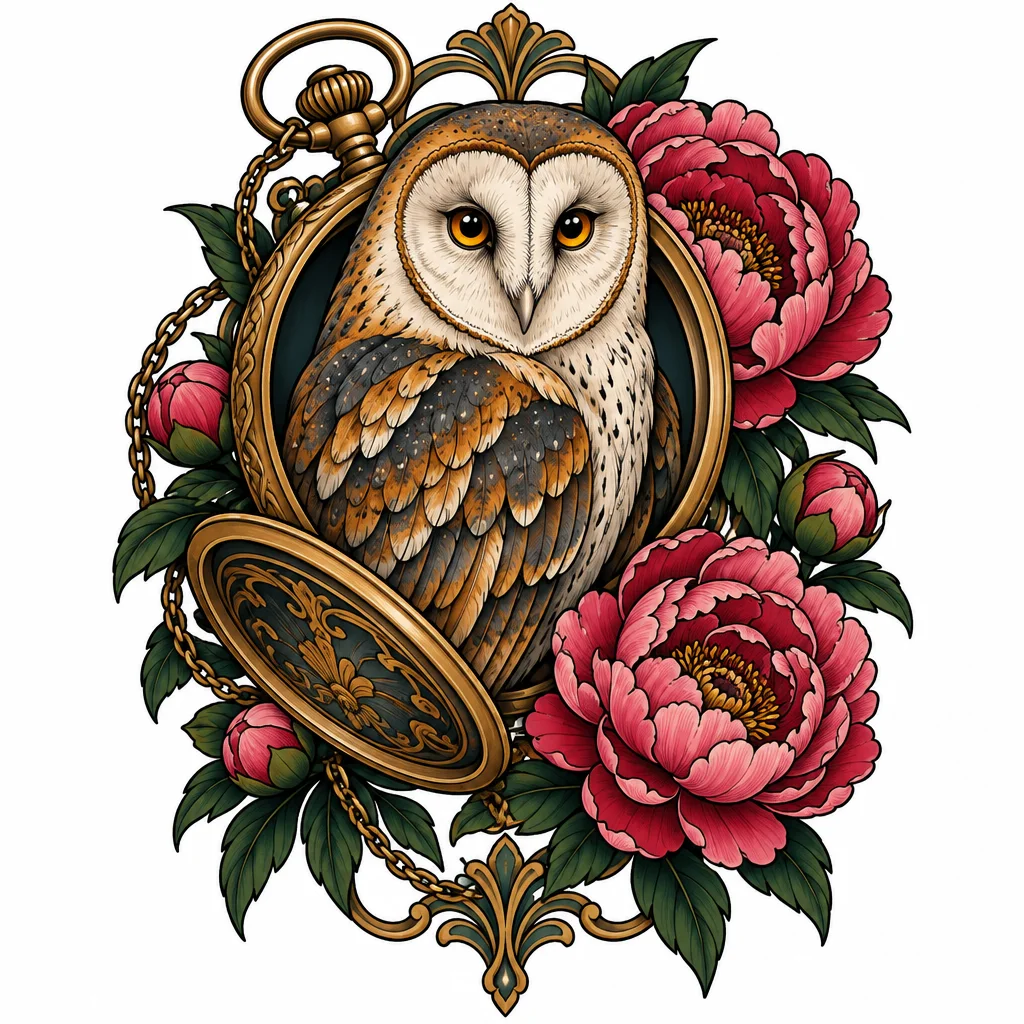 Prompt
A barn owl framed by an open pocket watch and peonies, with amber eyes and richly layered feathers
Neo-traditional · Colour
Use this idea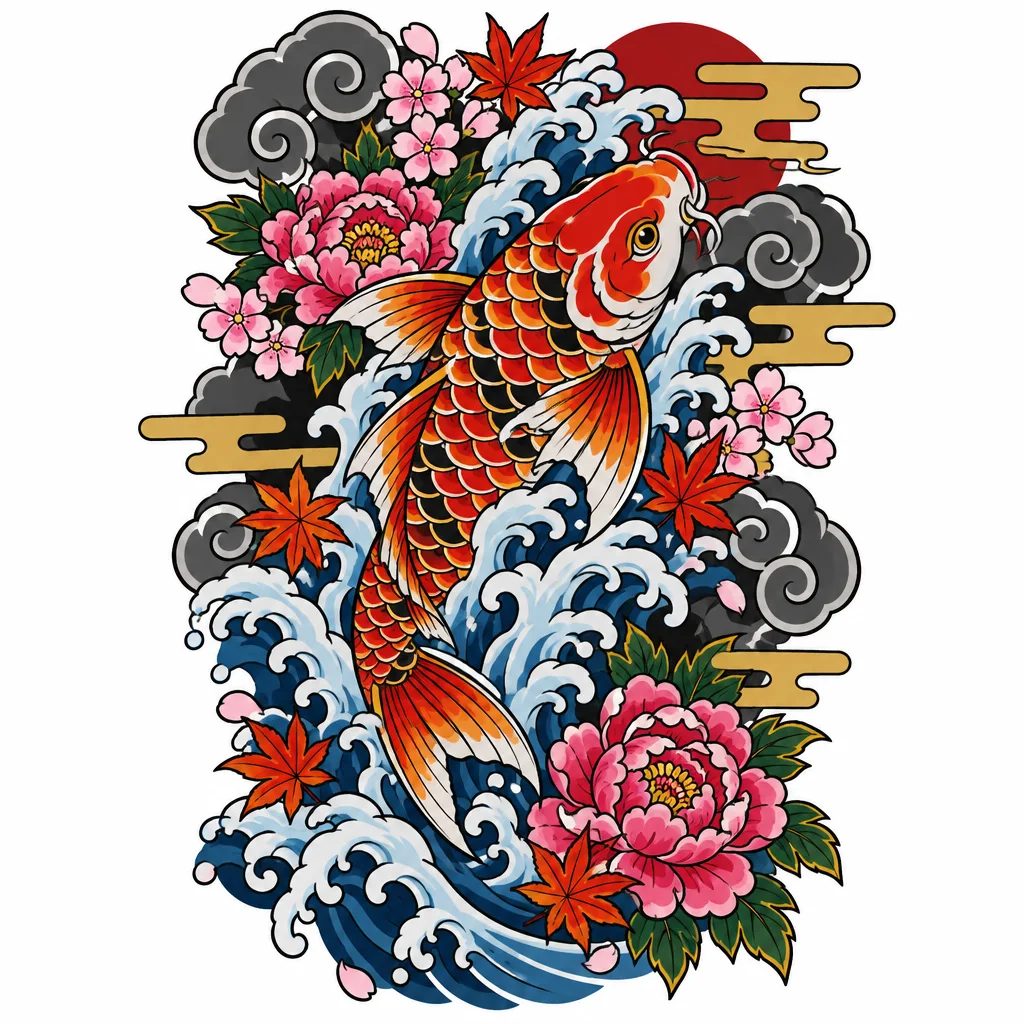 Prompt
A koi swimming upstream through crashing waves, maple leaves floating on the water
Japanese · Colour
Use this idea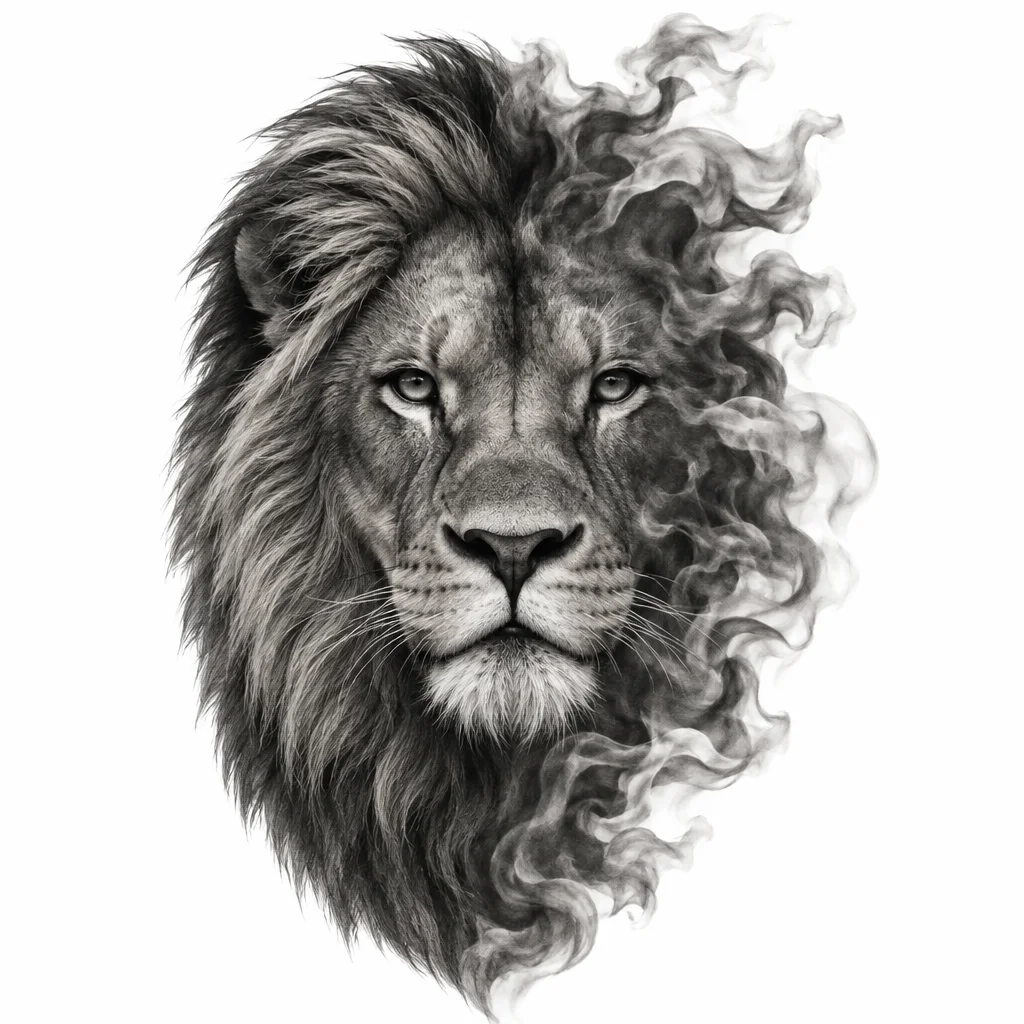 Prompt
A lion's face in soft morning light, half of its mane dissolving into smoke
Realism · Black & grey
Use this idea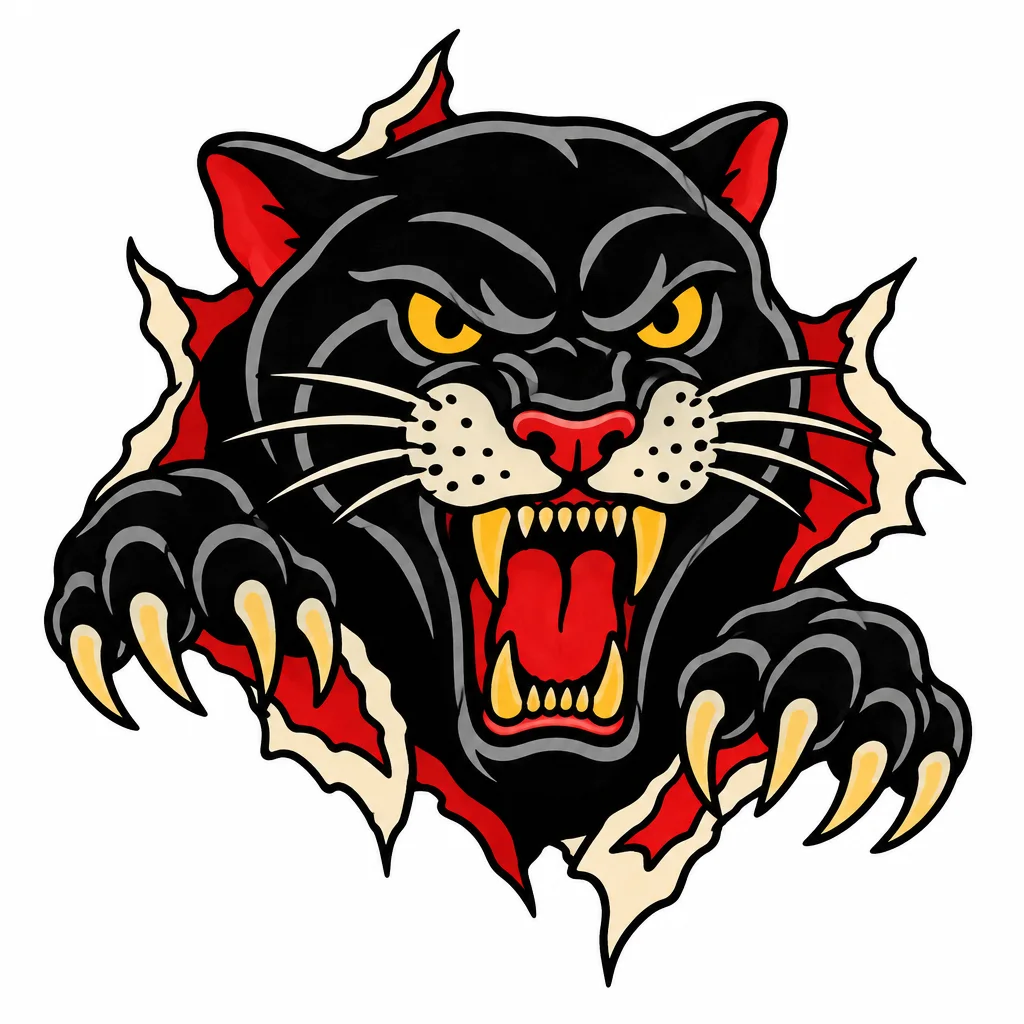 Prompt
A panther's head tearing through the skin, mouth open, claws gripping the edges
Traditional · Colour
Use this idea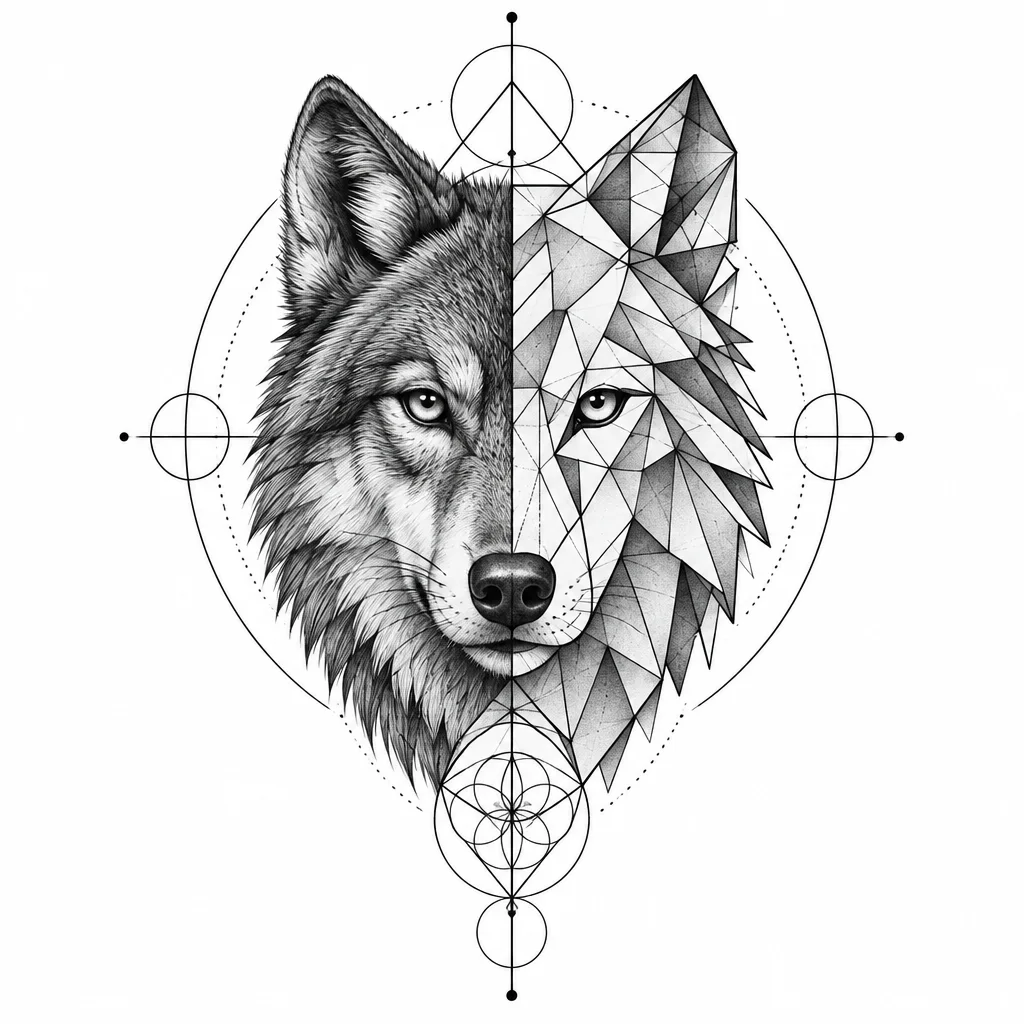 Prompt
A wolf's head built from triangles and fine linework, one half realistic and the other pure geometry
Geometric · Black & grey
Use this idea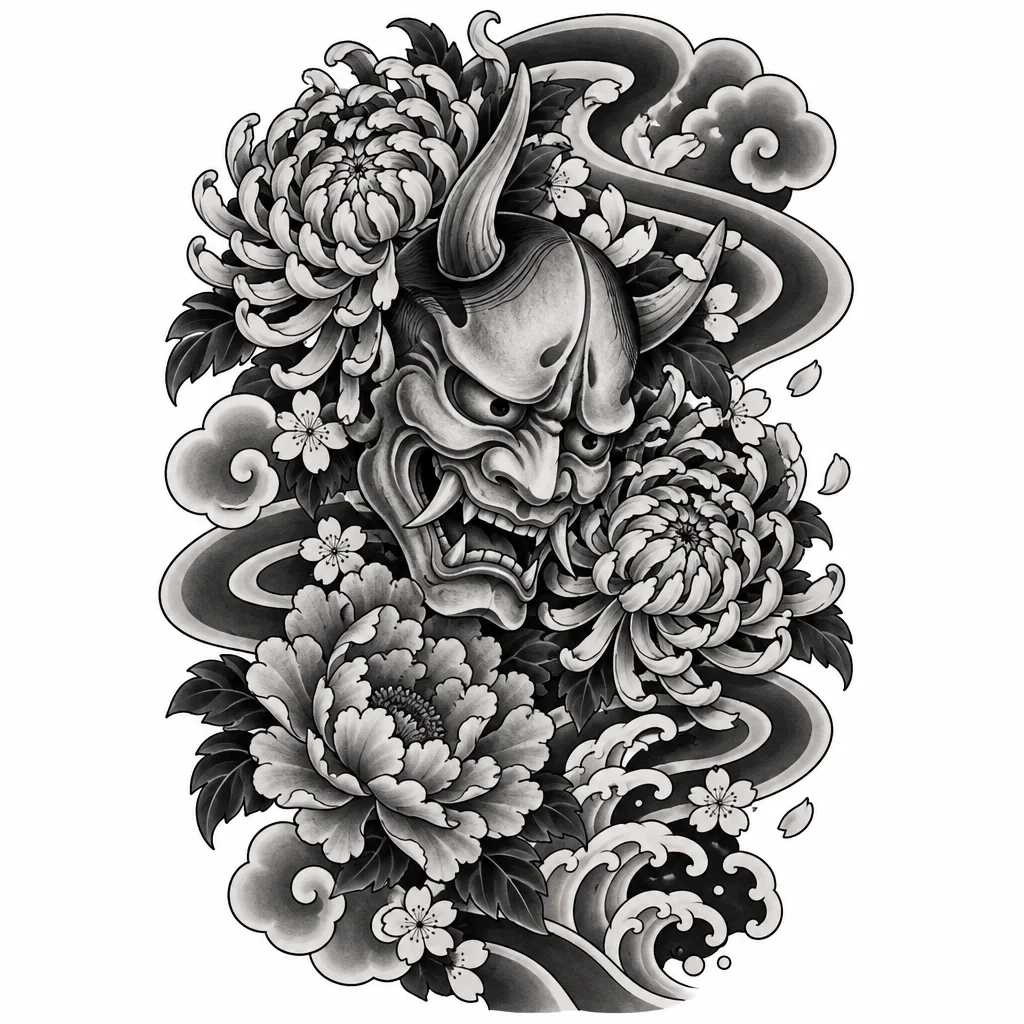 Prompt
A hannya mask wreathed in chrysanthemums, with wind bars sweeping behind it
Japanese · Black & grey
Use this idea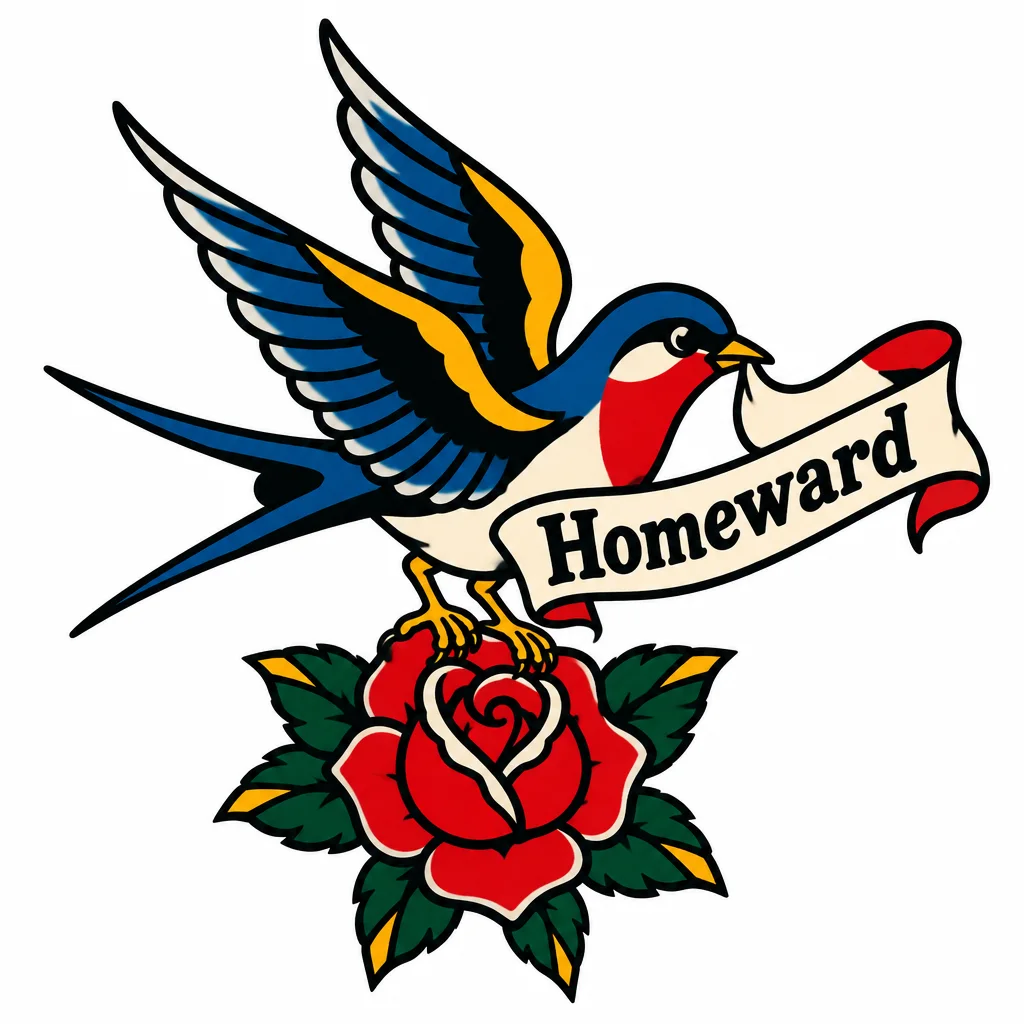 Prompt
A swallow carrying a banner that reads "Homeward", with a red rose beneath its feet
Traditional · Colour
Use this idea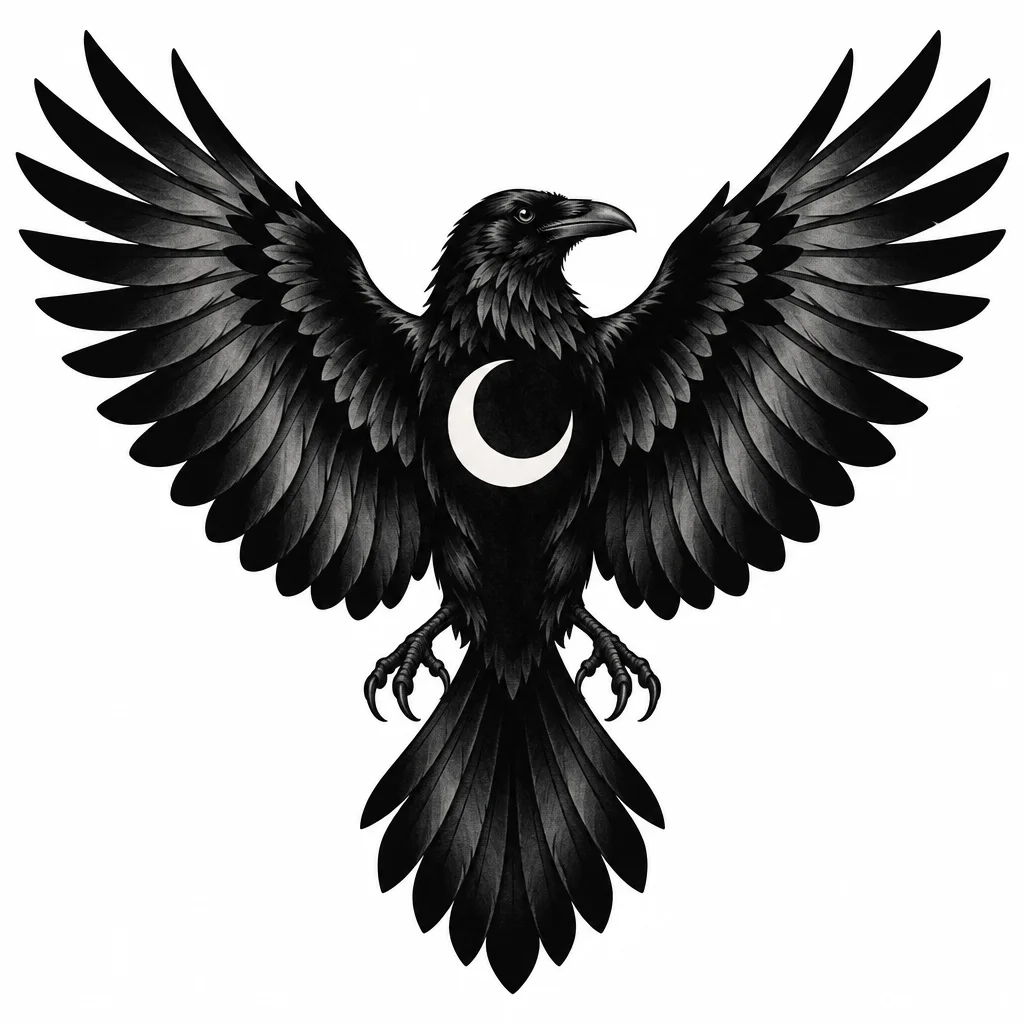 Prompt
A raven with wings spread, filled solid black, a crescent moon cut out of its chest in bare skin
Blackwork · Black & grey
Use this idea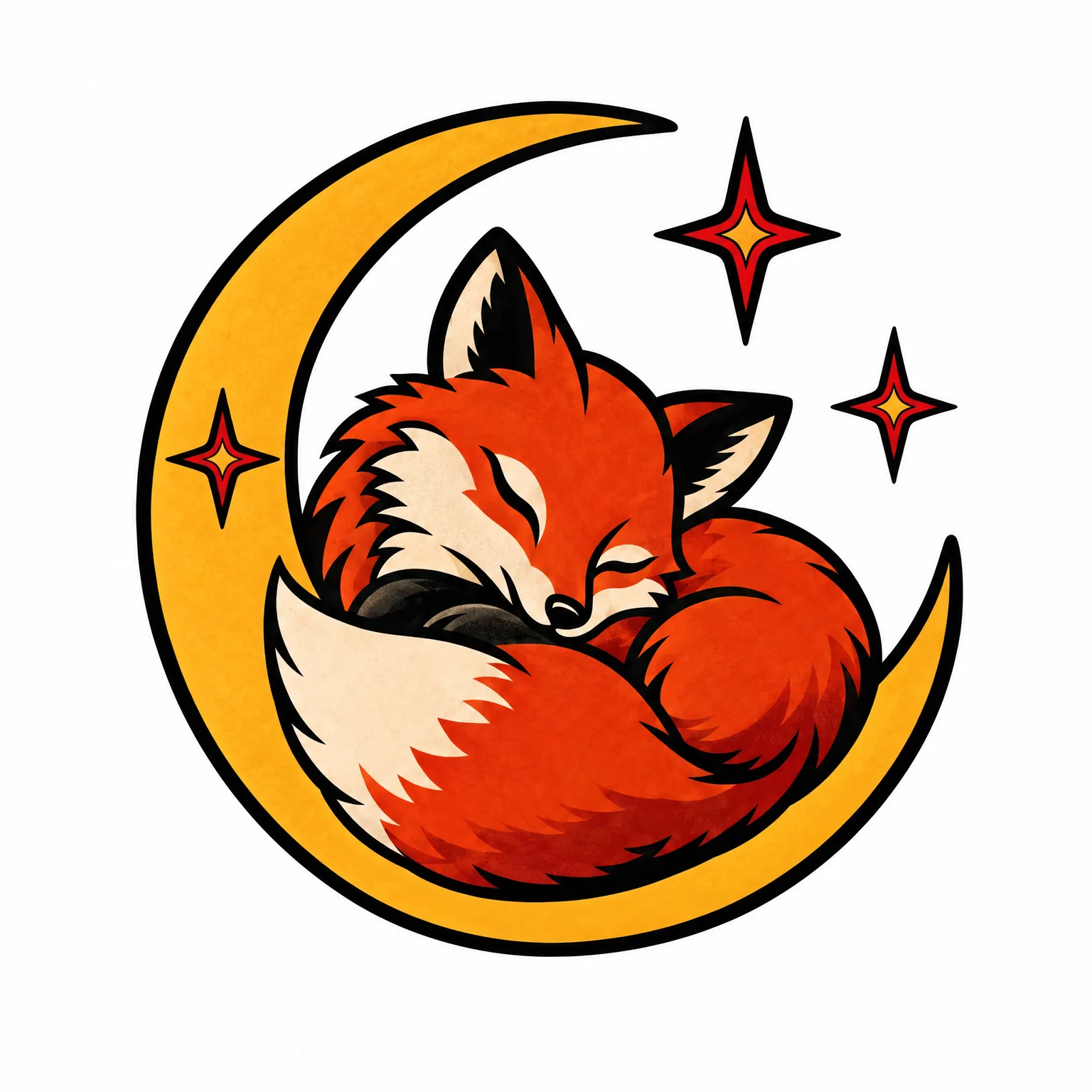 Prompt
A fox curled up asleep inside a crescent moon, with a few small stars around it
Traditional · Colour
Use this idea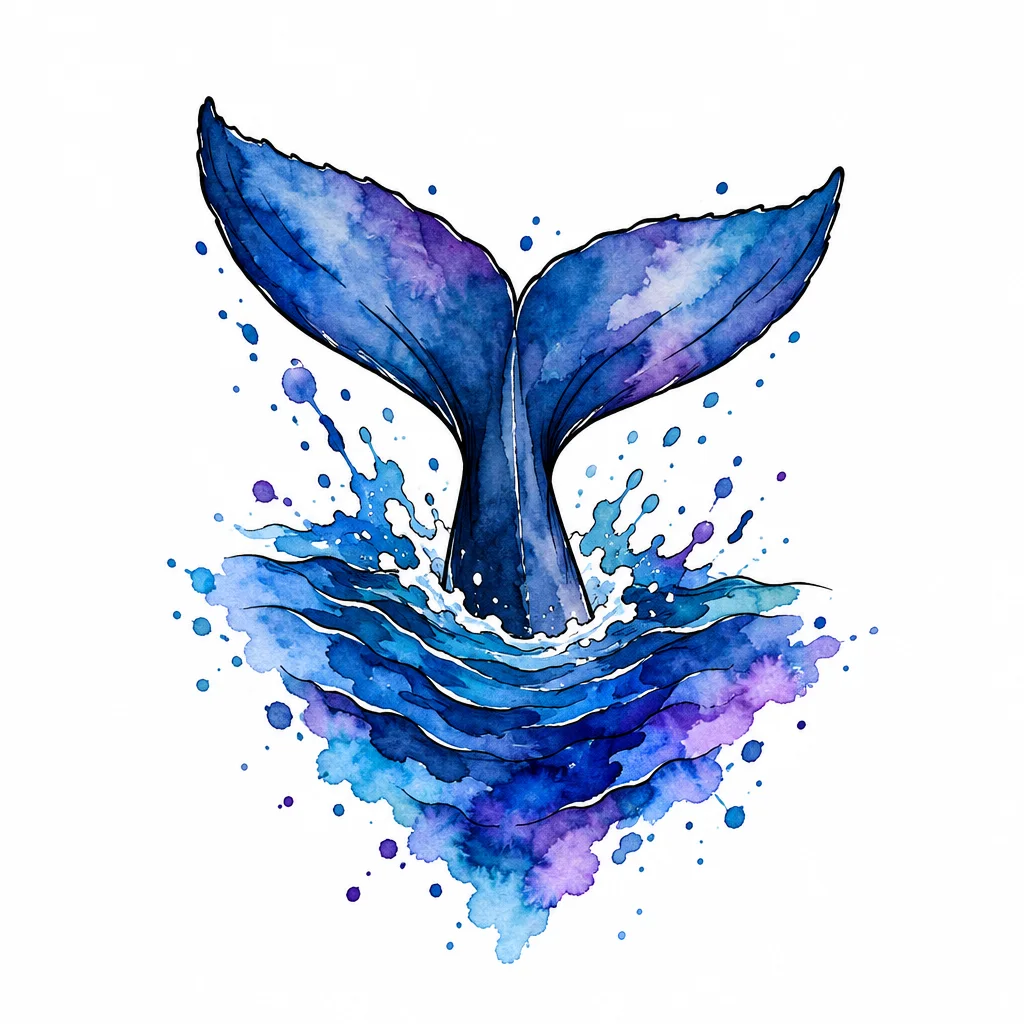 Prompt
A whale's tail diving into a wash of deep blue and violet, held together by fine black outlines
Watercolour · Colour
Use this idea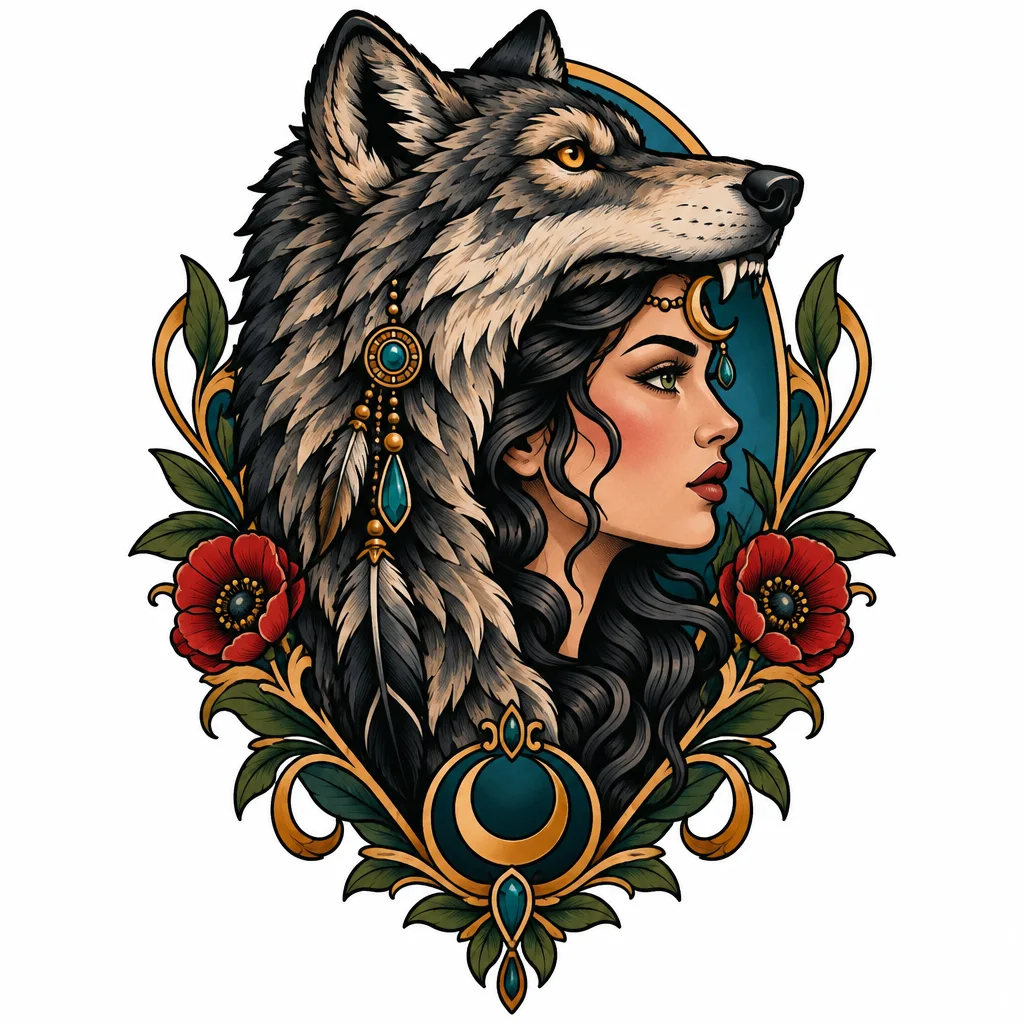 Prompt
A woman's profile wearing a wolf-head headdress, a jewelled crescent moon on her brow
Neo-traditional · Colour
Use this idea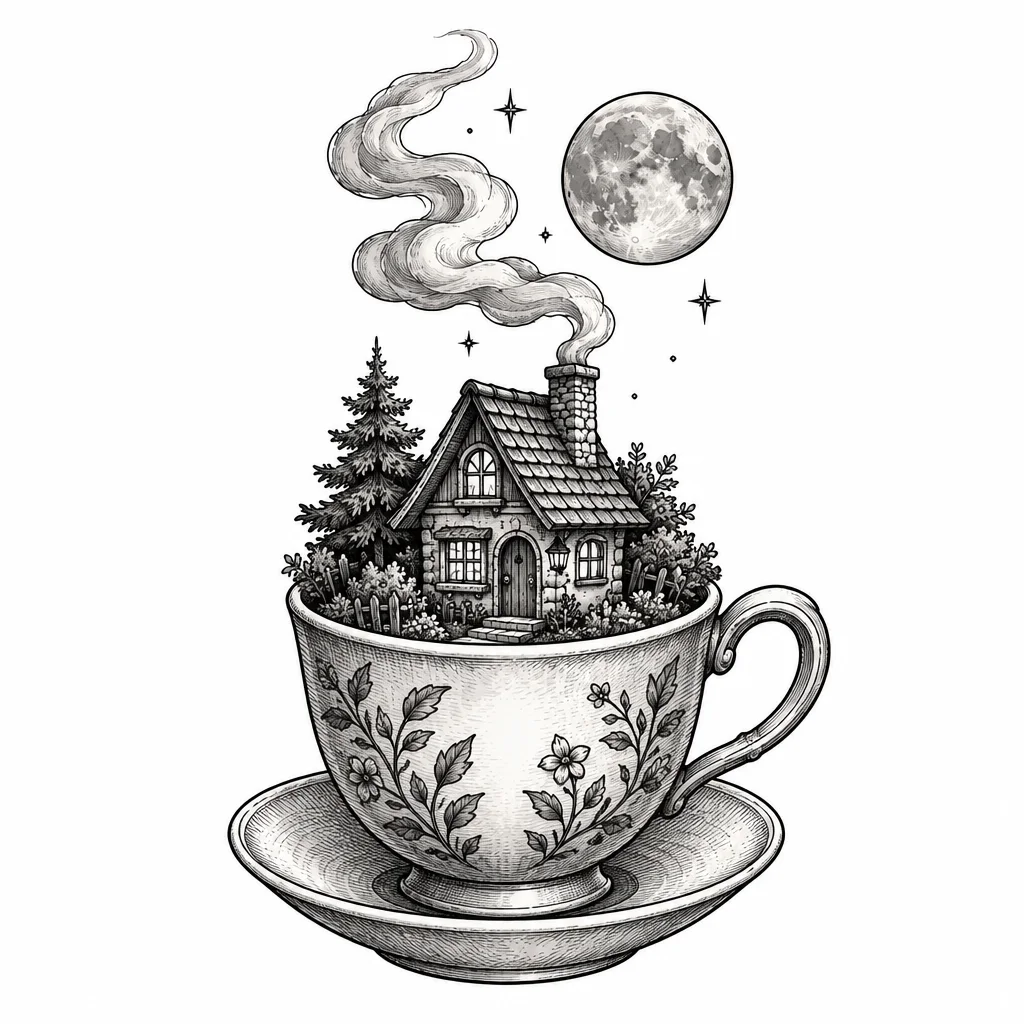 Prompt
A tiny house inside a teacup, smoke curling from its chimney and a moon overhead, drawn like an old storybook etching
Illustrative · Black & grey
Use this idea
Only if you want to
Then make it yours
Every design has these one tap away. None of them are steps you have to do, and each one makes a new version, which uses one design.
- More like thisNew takes in the same spirit, when you like the direction.
- Refine in words“Make the moon bigger.” Say one change and it redraws.
- Edit one areaBrush over a part and say what goes there instead.
- StencilClean line art your artist can transfer.
- Transparent PNGThe design with no background, for mockups and sharing.
- Try it on your skinUpload a photo of the spot and see it placed there.
Prompts
Prompt tips that work
Name the subject first. “A koi fish…” beats “Something with water and a fish, maybe a koi.”
One or two details, not ten. Tattoos read from a distance. Every extra element shrinks the others.
Say what it should feel like. Calm, fierce, delicate or playful does more than a list of adjectives.
Let the controls do the style. Pick “Japanese” in the style menu rather than typing it.
Describe styles, not artists. Ask for “bold outlines and a limited palette”, not a living artist's name. Their style is their livelihood.
Reference
Every control, step by step
The detail behind each option, for when you want it.
01Write your idea
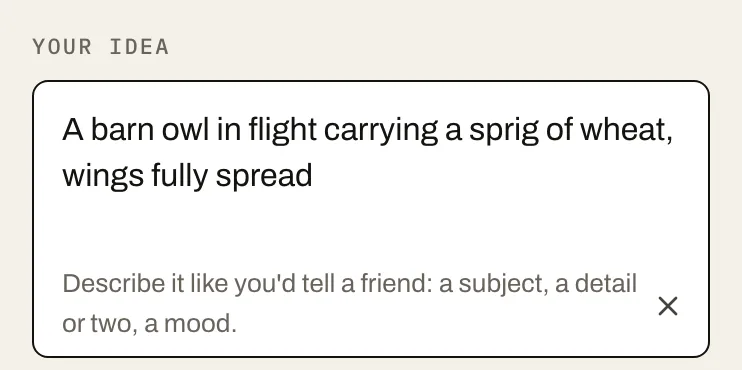
Type what you want in the idea box: a subject, a detail or two that make it yours, and a mood. “A barn owl in flight carrying a sprig of wheat, wings fully spread” is a great start. Don't worry about writing “tattoo” or “black and grey” here, because the controls handle that.
02Get help if you're stuckOptional
Tap an example idea under Need a spark? to start from someone else's spark. Everything stays editable.
03Add a reference imageOptional
Open More options and upload a photo or drawing to work from: your pet, a handwritten note or your own sketch. Then choose what it's for: Inspiration (mood and style), Subject (draw this as a tattoo) or Remix (change this design). JPG, PNG or WebP, up to 20 MB.
04Pick a style
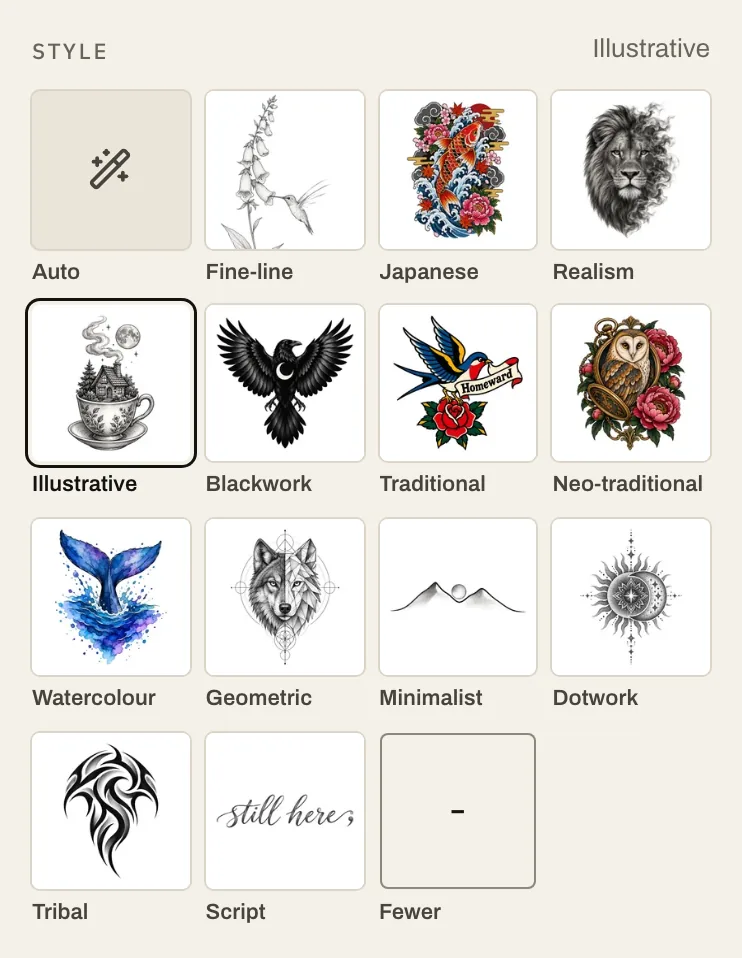
Choose from the thirteen styles. Not sure? Fine-line and minimalist suit small, quiet pieces. Traditional and blackwork are built to last. Realism and Japanese want space.
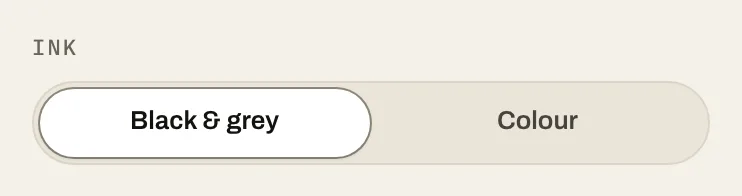
05Choose black & grey or colour
Black and grey ages gracefully and suits almost every style. Colour brings watercolour, neo-traditional and illustrative work to life. You can always make both and compare.
06Choose the placement
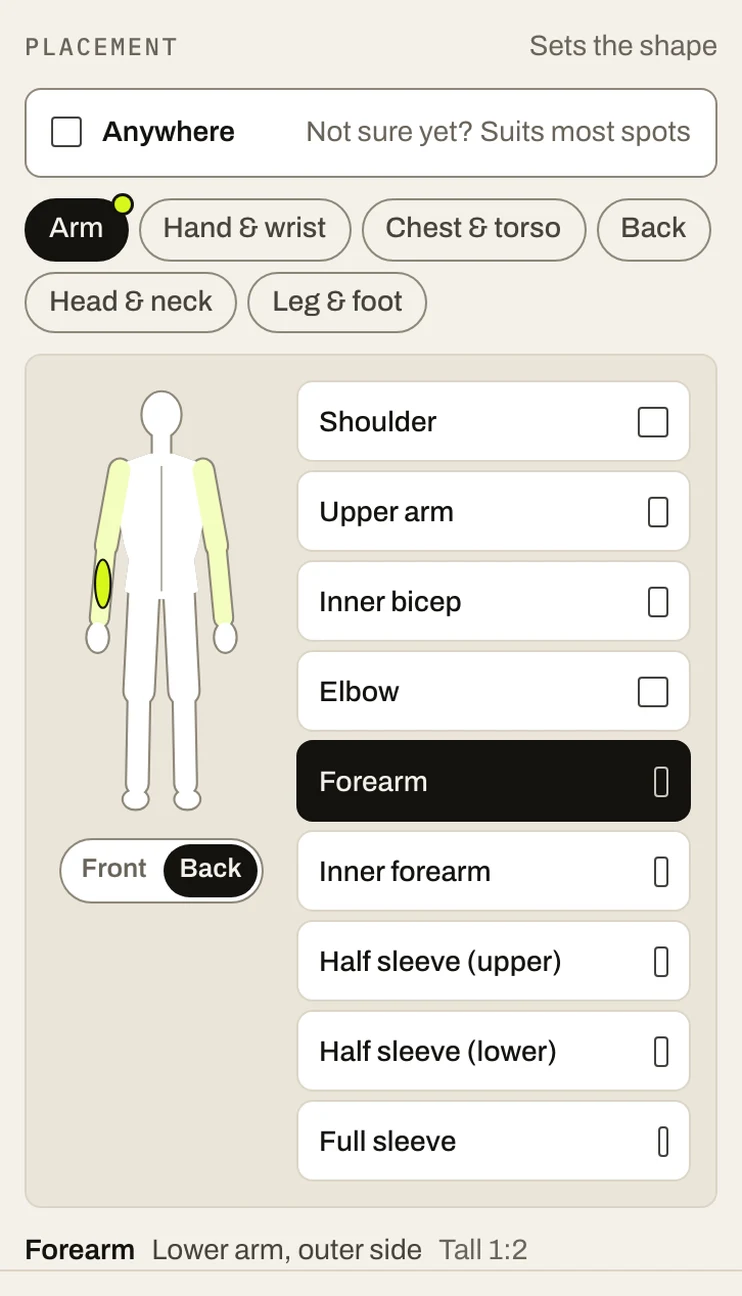
Tap the area on the body (arm, hand and wrist, chest and torso, back, head and neck, or leg and foot), then the exact spot, from inner forearm to knee. The studio composes for that spot, tall for a forearm, wide for a chest, compact for a wrist, so the design fits the space before your artist adjusts it. Not sure yet? Leave it on Anywhere.
07Choose Fast or Detail, and how many variations
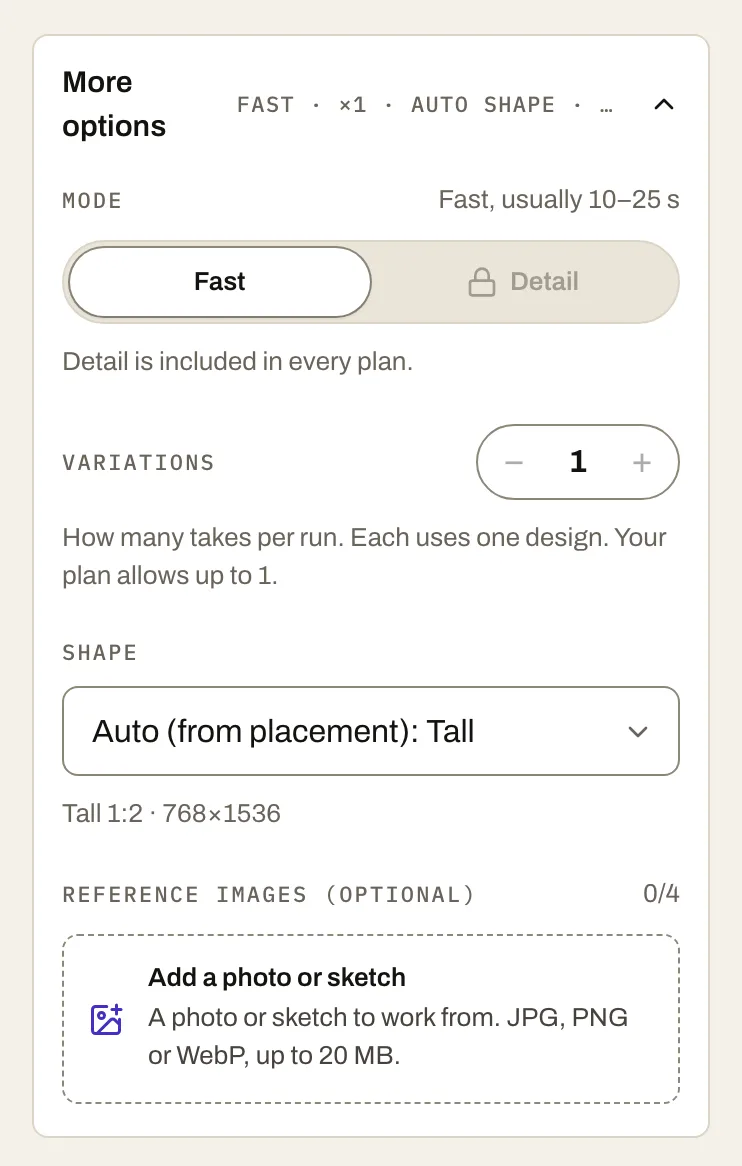
Fast for exploring ideas, Detail for finishing the one you've chosen. Set how many variations you want in this run, up to your plan's limit. Both live under More options.
08Generate
Press Generate. Your designs appear in the studio as they're drawn.
09Make it better
Every result has these options. Each one makes a new version, which uses one design:
More like this: more takes in the same spirit.
Refine: describe one change in words.
Edit area: brush over a part and say what should go there instead.
10Get your files
Open a design and choose:
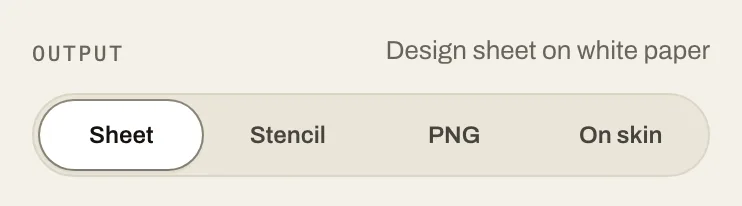
Download PNG: the full-size design sheet. Downloading never uses a design.
Stencil: the line-art version. It's a new version, so it uses one design.
Transparent PNG: the design with no background, also one design.
11Try it on your skin
Choose Try on skin, upload a photo of the spot in good, even light, and see the design placed on it. If it's too big or in the wrong spot, say so in words and run it again. Each try-on uses one design and needs a free account. Photo tips
If the result isn't right
Too busy? Cut an element from your idea, or move up a size in placement (wrist to forearm, say).
Wrong mood? Change one feeling word and vary.
Lettering looks off? AI can still misshape letters, so check every character. For names and dates, ask your artist to hand-letter the final version.
The studio refused it? Some subjects are blocked by our content filters. Rephrase it, or see what's allowed.
Taking it to your tattoo artist
Bring the design sheet, plus the stencil and a try-on photo if you made them. Tell them what you love about it and what you'd still change. Then let them do what they do: redraw it for your body and their needles. Most artists charge for custom drawing time, and it's worth every cent.
Your idea, drawn in seconds
One sentence and two taps. Fast mode draws it in 10–25 seconds.
Your first design is free. Verify your email. No card needed.